4. Pump Run Under MODE1/MODE2
4.1 MODE 1/MODE2 Introduction
4.2 How to Set and Change Specification of MODE1/MODE2
1)
Make sure STOP button is pressed before set up, and pump is not working. Press MENU, LED
screen will display the current time (time will not count during set-up), use arrow buttons to adjust
the time. LEFT and RIGHT to move the cursor one digit, and UP and DOWN to increase or
decrease one digit. (Remarks: 0:00-11 :59 is one cycle). For example, the current time is 6:00 and
A
M light is lit, when change the time after 11 :59, the time change to 0:00, PM light will be lit.
2)
After time set-up, press ENTER to save and quit. Don't press ENTER if to continue change the
specification of MODE l and MODE 2. Press MENU again, the light of MODE 1 and S1 will be lit,
screen display 6:00, and AM light is lit. Use arrow buttons to adjust the time. When the time is over
11 :59, PM light will be lit, AM light extinguished.
3)
Press ENTER to save and quit after start time set-up. To continue and adjust the running hour,
press MENU, then use arrow buttons to increase and decrease running hours. Each press is for 1
hour. Press ENTER to save and quit. Or press MENU to adjust S2/S3/S4, the same adjustment
method as S 1.
4)
Follow MODE 1 's adjustment methods to adjust MODE 2.
Could not change speed using a rrow
buttons when running MODE1/MODE2.
Can only change the speed of MODE 1 and MODE 2 by
pressing CLEAN/ECO/BOOST, and then use arrow button UP and DOWN to change the RPM.
When it is done, the corresponding speed in MODE 1/MODE 2 will also change. You could only
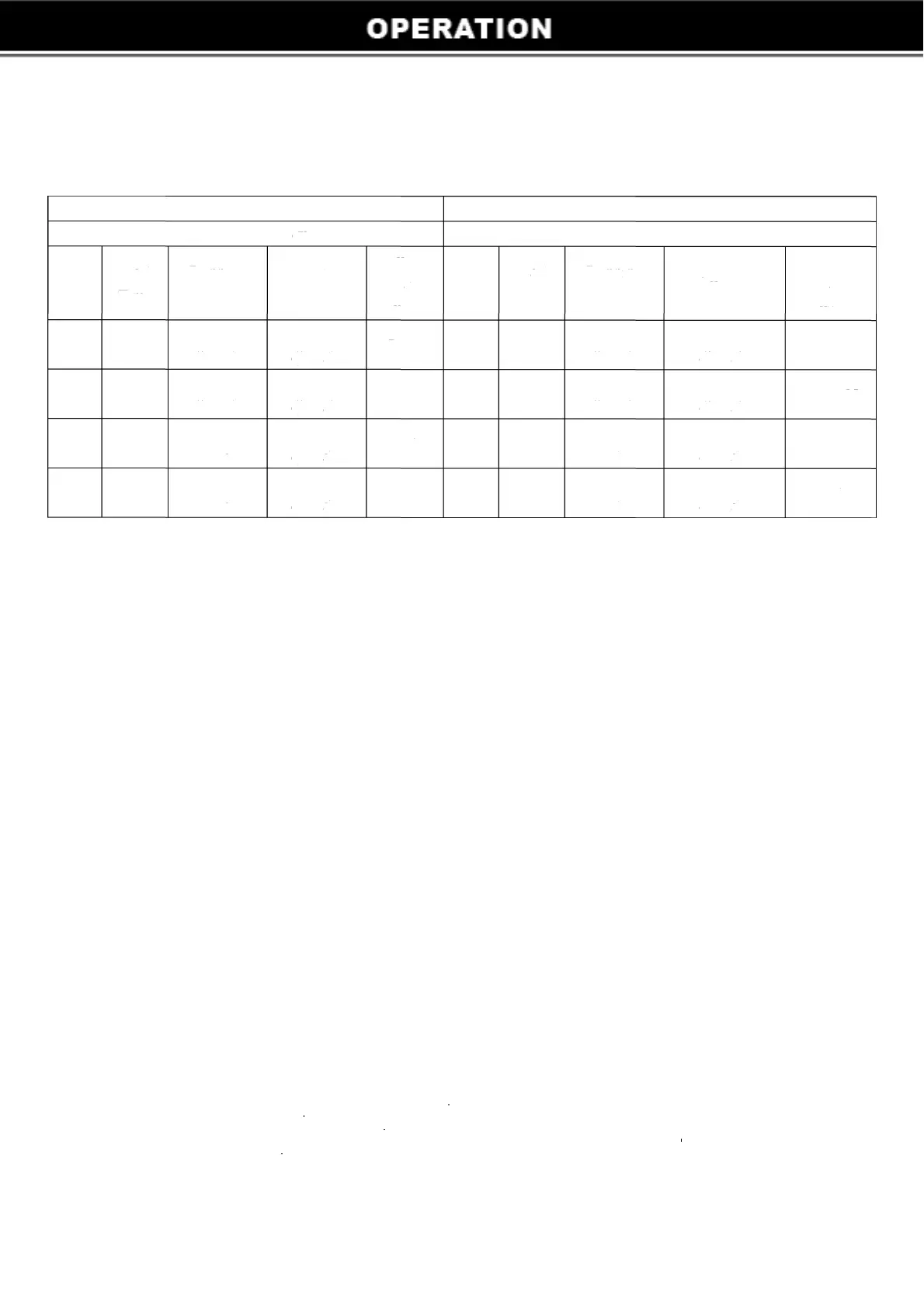
change according to the matching quick start button. For example, in MODE 1, Sl and S3 is
CLEAN, S2 and S4 is ECO; in MODE 2, Sl and S3 is ECO, S2 and S4 is CLEAN.
5


 To Next Page
 Loading...