19
18
1.4 Sound
1.4.1 Equalizer Adjustment
You can choose from User, Flat, Pop, Rock, Jazz, and Classic.
1.4.2 Fader/Balance Adjustment
You can select a listening position that you want to make as the center of the
sound effects.
1.5 Video
1.5.1 Watching Video Is Forbidden While Driving
1.5.2 Reversing Assistant Line
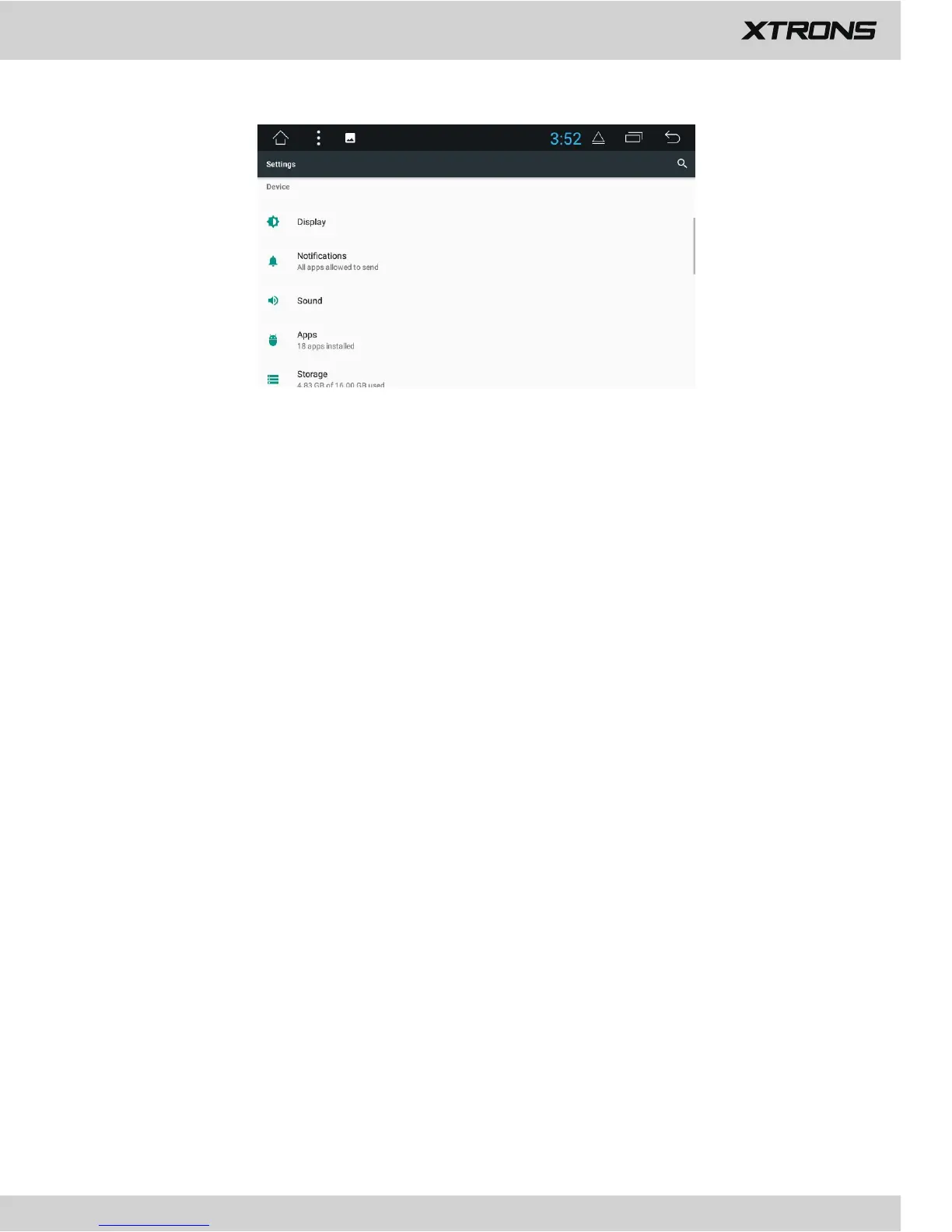
2. Device
2.1 Display
2.1.1 Brightness level
Drag the slider to adjust the screen brightness.
2.1.2 Brightness mode
Choose from Auto, Light, and Dark.
2.1.3 Wallpaper
Set an image or photo as wallpaper for the Home screen.
2.1.4 Forced app orientation
Choose from Auto and Landscape.
2.1.5 Font size
Drag the slider to adjust the font size.
2.1.6 Display size
Drag the slider to display bigger or smaller text and icons.
2.1.7 HDMI setting
2.1.8 Smart color


 To Next Page
 Loading...