11
OPERATION
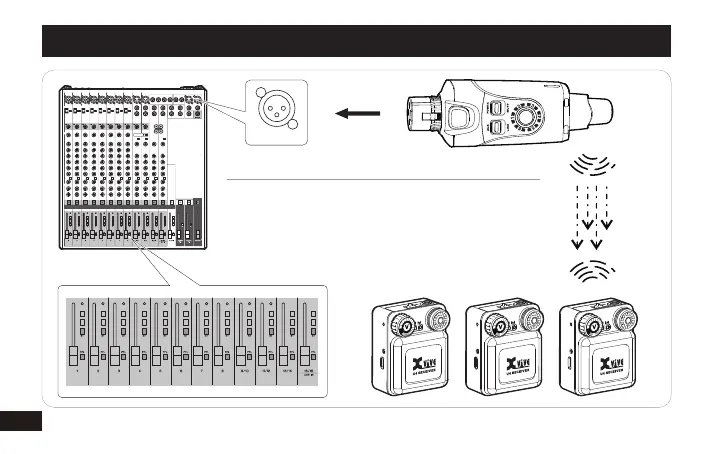
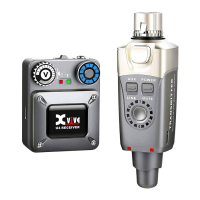
CREATING MONITOR WITH XLR
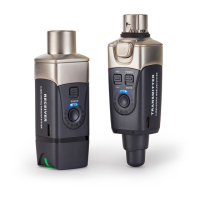
1. Transmitter connect Mixer output or other XLR output
2. Trun on the Receiver, adjust the volume of the Receiver,
and gradually increase from small to large to reach the
appropriate volume state
3 Adjust mixer each channel faders output levels,mixer
and send the signal to Transmitter。
MIAN OUTPUT


 To Next Page