EasyManua.ls Logo

Yaber Pro V7 - WiFi Connection Setup

Yaber Pro V7
27 pages
Print Icon
To Next Page IconTo Next Page
To Previous Page IconTo Previous Page
Loading...
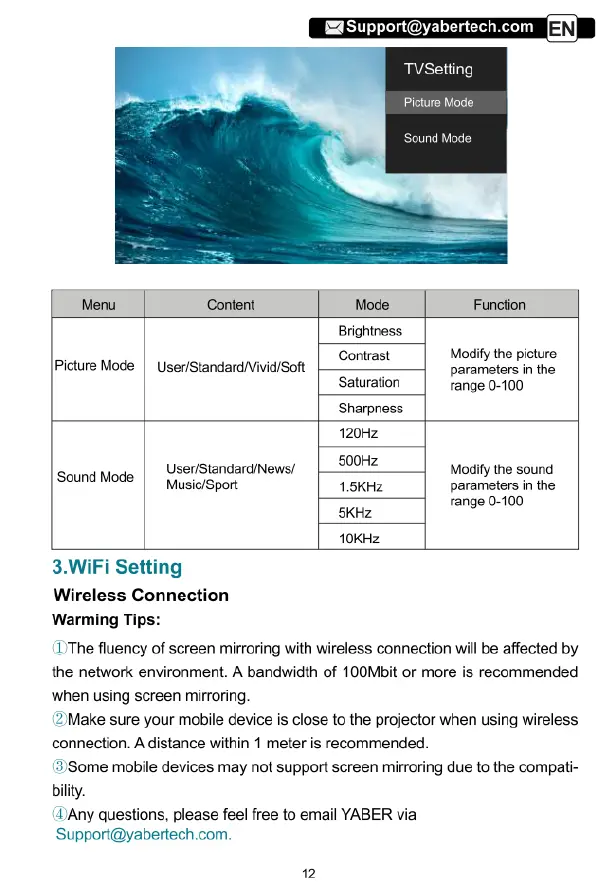
TVSetting
Picture
Mode
Sound
Mode
Menu
Content
Mode
Function
Brightness
Contrast
Modify
the
picture
Picture
Mode
|
User/Standard/VividiSoft
parameters
in
the
Saturation
range 0-100
Sharpness
120Hz
Sound
Mode
|
User/StandardiNews/
500Hz
Modify
the
sound
Music/Sport
1.5KHz
parameters
in
the
range 0-100
5KHz
10KHz
3.WiFi
Setting
Wireless
Connection
Warming
Tip:
(IThe
fluency
of
screen
mirroring
with
wireless
connection
will
be
affected
by
the
network
environment.
A
bandwidth
of
100Mbit
or
more
is
recommended
bilty.
when
using
screen
mirroring
(2
Make
sure your
mobile device
is
close
to
the
projector
when
using
wireless
connection.
A
distance
within
1
meter
is
recommended.
(3)Some
mobile
devices
may
not
support
screen
mirroring
due
to
the
compati-
(DAny
questions,
please
feel
free
to
email
YABER
via
Support@yabertech.com.

Related product manuals