EasyManua.ls Logo

Yaber U10 - Page 2

Yaber U10
31 pages
Print Icon
To Next Page IconTo Next Page
To Previous Page IconTo Previous Page
Loading...
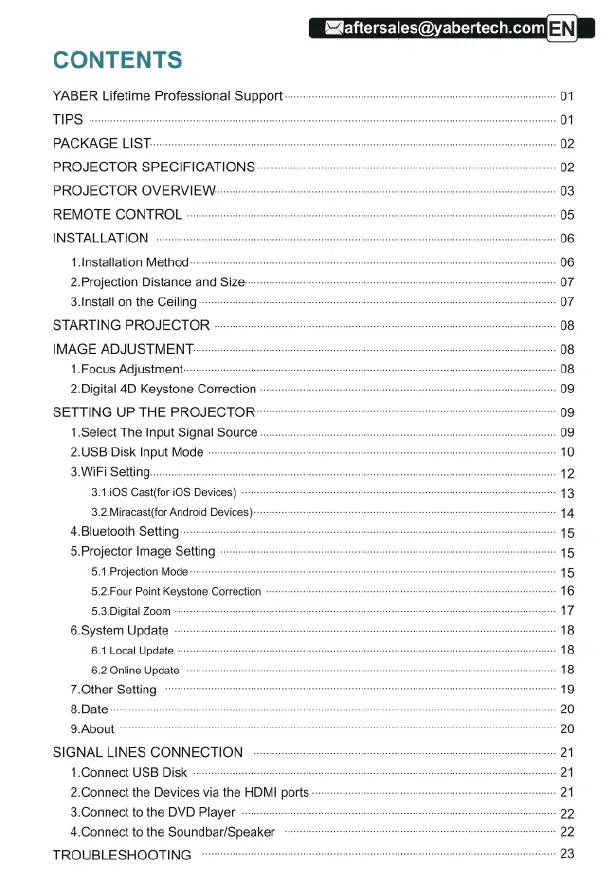
CONTENTS
YABER
Lifetime
Professional
Support
TIPS
PACKAGE
LIST-
PROJECTOR
SPECIFICATIONS:
PROJECTOR
OVERVIEW:
REMOTE
CONTROL
INSTALLATION
1.Installation
Method
2
Projection
Distance
and
Size-
3nstall
on
the
Ceiling
STARTING
PROJECTOR
IMAGE
ADJUSTMENT
1
Focus
Adjustment:
2.Digital
4D
Keystone
Correction
SETTING
UP
THE
PROJECTOR
1.Select
The
Input
Signal
Source
2.USB
Disk
Input
Mode
3WiFi
Setting
3108
Gastifor
i0S
Devices)
3.2
Miracasi(for
Android
Devices)
4.Bluetooth
Setting
5.Projector
Image
Setting
5.1.Projection
Mode.
5.2
Four
Point
Keystone
Correction
53.Digital
Zoom
6.System
Update
6.1
Local
Update.
6.2
Oniine
Update
7.0ther
Setting
8.Date
9.About
SIGNAL
LINES
CONNECTION
1.Connect
USB
Disk
2.Connect
the
Devices
via
the
HOMI
ports
3.Connect
to
the
DVD
Player
4.Connect
to
the
Soundbar/Speaker
TROUBLESHOOTING
aftersales@yabertech.com

Related product manuals