EasyManua.ls Logo

Yaber U2 - Page 2

Yaber U2
27 pages
Print Icon
To Next Page IconTo Next Page
To Previous Page IconTo Previous Page
Loading...
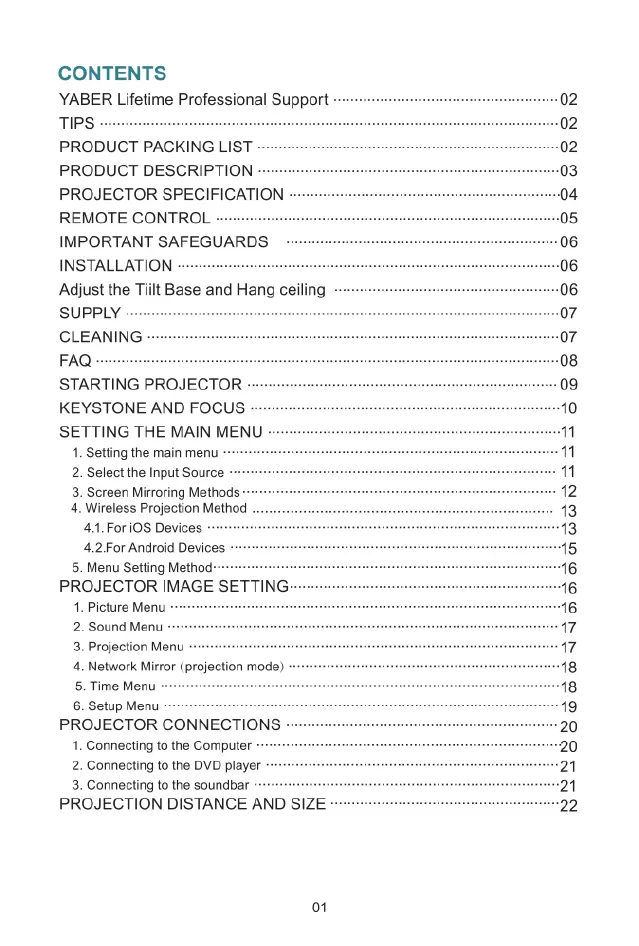
CONTENTS
YABER
Lifetime
Professional
Support
-
TIPS
-
PRODUCT
PACKING
LIST
PRODUCT
DESCRIPTION
-
PROJECTOR
SPECIFICATION
REMOTE
CONTROL
-
IMPORTANT
SAFEGUARDS
INSTALLATION
-~
Adjust
the
Tiilt
Base
and
Hang
ceiling
SUPPLY
-
CLEANING
FAQ
-
STARTING
PROJECTOR
-
KEYSTONE
AND
FOCUS
-
SETTING
THE
MAIN
MENU
-
1.
Setting
the
main
menu
-
2.
Select
the
Input
Source
3.
Screen
Mirroring
Methods
4.
Wireless
Projection
Method
.
4.1.For
i0S
Devices
-
4.2For
Android
Devices.
5.
Menu
Setting
Method----
PROJECTOR
IMAGE
SETTING:
1.
Picture
Menu
2.
Sound
Menu
-
3.
Projection
Menu
4.
Network
Mirror
(projection
mode)
5.
Time
Menu
6.
Setup
Menu
PROJECTOR
CONNECTIONS
1.
Connecting
to
the
Computer
2.
Connecting
to
the
DVD
player
-
3.
Connecting
to
the
soundbar
PROJECTION
DISTANCE
AND
SIZE
-
01

Related product manuals