Need help?
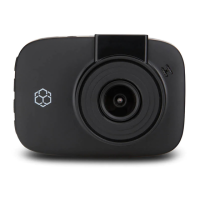
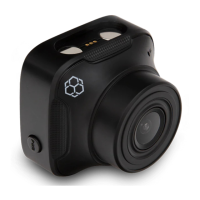
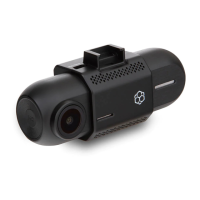
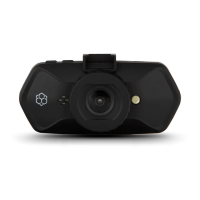
Do you have a question about the Yada BT58189 and is the answer not in the manual?
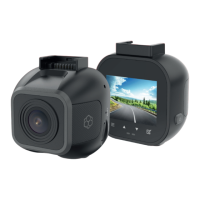
Peel off adhesive tape backer and insert windshield mount to the Roadcam.
Insert the MicroSD card into the designated slot on the Roadcam.
Peel screen protector and plug the Mini-USB power cable into the DC input port.
Instructions and links for downloading the YADA Drive app for smartphones.
Steps to enable WiFi pairing mode on the Roadcam for app connection.
Guide for connecting the Roadcam to the YADA Drive app on Android devices.
Guide for connecting the Roadcam to the YADA Drive app on iOS devices.
Critical safety guidelines for operating and handling the cigarette lighter adapter.
Warnings about device limitations, driver responsibility, and proper usage.
 General
| Loop Recording | Yes |
|---|---|
| G-Sensor | Yes |
| Night Vision | Yes |
| Video Resolution | 1080P |
| Viewing Angle | 170 degrees |
| Memory Card Support | MicroSD |
| Storage | Micro SD card |


 To Next Page