EasyManua.ls Logo

Yamaha 2 EZ-AG - User Manual

Yamaha 2 EZ-AG
36 pages
Print Icon
To Next Page IconTo Next Page
Loading...
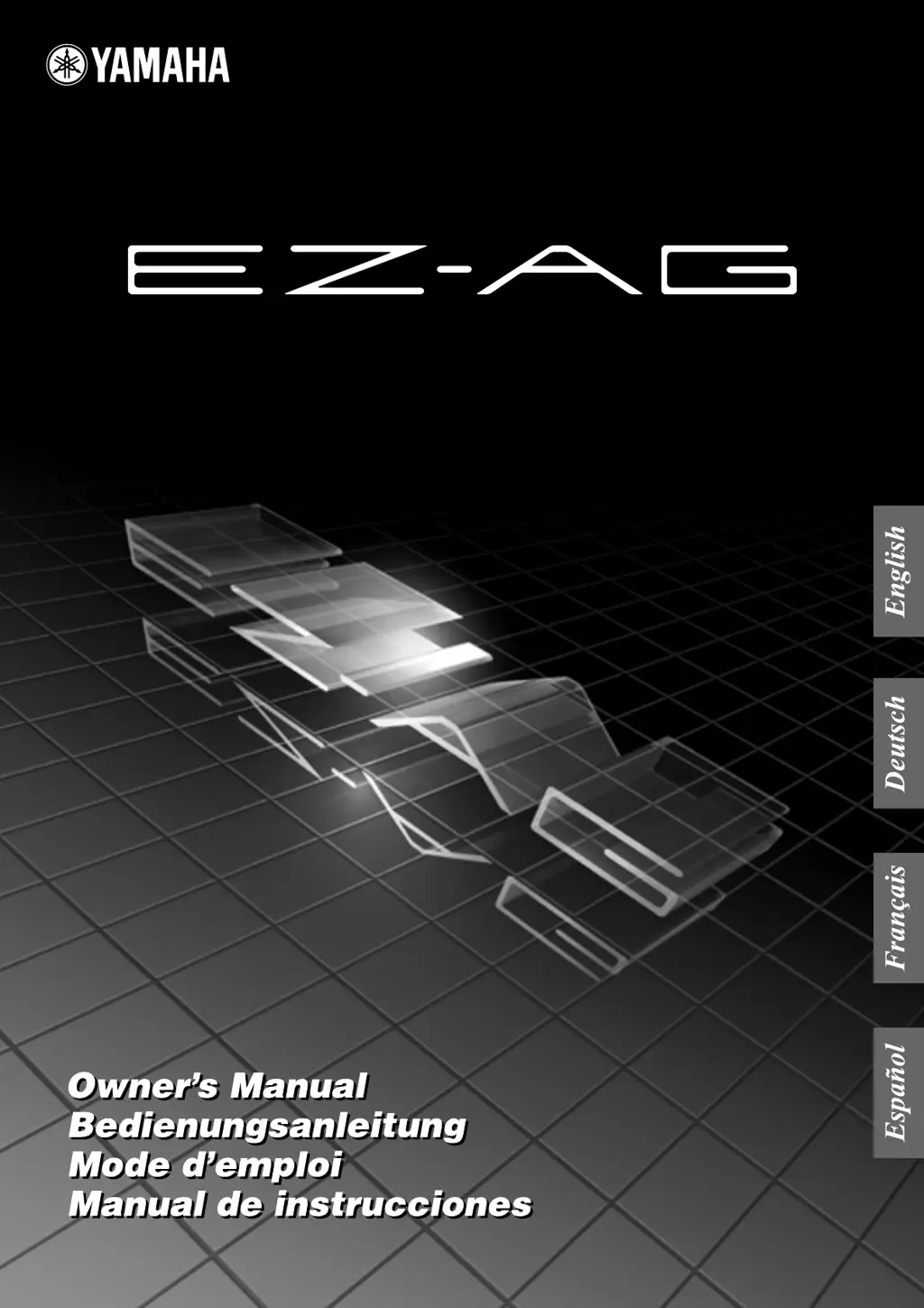
EZ GUITAR / EZ GITARRE / EZ GUITARE / EZ GUITARRA

Questions and Answers

  • E
    Ellen WilliamsJul 30, 2025
    What to do if my Yamaha Guitar has no sound?
    • J
      Joy NicholsJul 30, 2025
      If your Yamaha Guitar produces no sound, several factors could be at play. First, ensure the batteries are correctly installed. If they're depleted, replace them. Check the volume level and increase it if it's set to “0”. Also, verify that nothing is plugged into the PHONES/OUTPUT jack. Finally, confirm that Local Control is turned ON.
  • D
    Diane JohnsonAug 8, 2025
    Why is my Yamaha Guitar (EZ-AG) picking up noise?
    • A
      Anthony Porter DDSAug 9, 2025
      If your Yamaha Guitar (EZ-AG) is picking up noise, it might be due to interference from nearby electronic devices. A common cause is proximity to a mobile phone. Try turning the mobile phone off or moving it further away from the EZ-AG to resolve the issue.
  • K
    kristina55Aug 19, 2025
    What to do if the displays flicker on my Yamaha 2 EZ-AG Guitar?
    • B
      Brittany WaltonAug 19, 2025
      If the displays on your Yamaha Guitar flicker and don’t function normally, the batteries may be run down. Replacing the batteries should resolve this issue.

Summary

Special Message Section

Hearing Loss Warning

High sound levels can cause permanent hearing loss.

Precautions and Warnings

General Warnings

Basic precautions to avoid injury, shock, damage, fire, or hazards.

General Cautions

Basic precautions to avoid physical injury or damage to the instrument.

Handling and Data Saving Cautions

Avoid inserting fingers, placing objects, excessive force, or saving data.

Parts, Controls, and Connectors

Control Section Details

Overview of control panel buttons (VALUE, Display, VOLUME).

Connector and Power Section

Details power switch, jacks, and MIDI terminals.

Setting Up Your EZ-AG

Using AC Power Adaptor

Step-by-step instructions for connecting the AC adaptor.

Connecting Your EZ-AG

Audio and Headphone Connections

Connect headphones or external sound systems.

MIDI Device Connections

Connects to other MIDI instruments and devices.

Playing the EZ-AG

Powering On and Adjusting Volume

Instructions for turning the instrument on and setting volume.

Playing Chords

How to form chords using the frets and play strings.

Selecting Instrument Sounds

How to choose from 20 available instrument sounds.

Playing the Songs

Selecting and Playing Specific Songs

How to select a specific song and start/stop playback.

Adjusting Accompaniment Balance

Setting the balance between accompaniment and instrument volume.

Play Along Modes

Play Mode 1: Strum

Play songs using only the right hand for rhythm practice.

MIDI Device Connectivity

Connecting to a Computer via MIDI

Instructions for connecting the EZ-AG to a computer.

Loading Songs with Song Filer Application

Steps to download and use the Song Filer to load songs.

Troubleshooting Common Issues

No Sound Issues

Checks for no sound issue: batteries, volume, headphone jack, local control.

Song Chord Charts

Technical Specifications

Yamaha 2 EZ-AG Specifications

General IconGeneral
CategoryGuitar
Strings6
Top MaterialSpruce
Fingerboard MaterialRosewood
Bridge MaterialRosewood
Body TypeConcert

Related product manuals