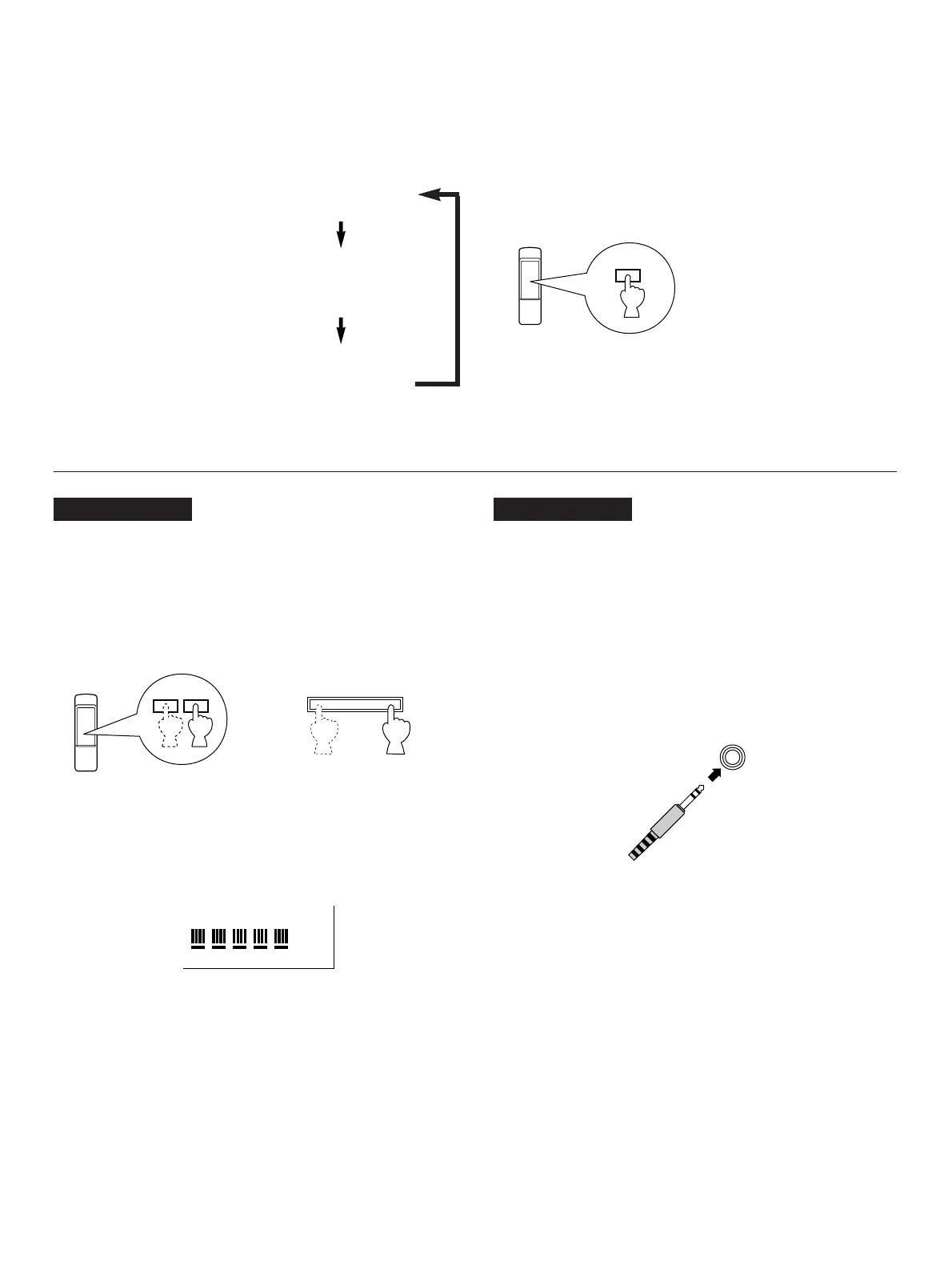
Changing brightness of the display
You can change the brightness of the display by pressing the DIMMER button.
or
(On the front panel)
CDC-901 only
Adjusting the level of signals output into an
amplifier, etc.
You can adjust the level of sound signals output from the LINE
OUT terminals on the rear panel into an amplifier, etc. as you
prefer by using the OUTPUT LEVEL buttons.
* When the DIGITAL AUDIO OUT (OPTICAL) terminal is used
for the connection, set the level of output signals to max.
* The level of output signals can be checked on the display.
CDC-901 only
When you listen with headphones
Connect the headphones to the PHONES jack and adjust the
volume by using the OUTPUT LEVEL buttons.
* Note that the use of the OUTPUT LEVEL buttons will also
vary the level of the signal output to an amplifier, etc.






 To Next Page