EasyManua.ls Logo

Yamaha D-85 - Auto Bass;Chord Accompaniment; Chord Types and Memory; Accompaniment with Struck Chords

Yamaha D-85
36 pages
Print Icon
To Next Page IconTo Next Page
To Previous Page IconTo Previous Page
Loading...
(5
er,
this
can
be
changed
to
seventh
chord,
minor
chord
or
minor
seventh.
No
pedal
keyboard
keys
are
depressed:
Major
chord
°
White
pedal
keyboard
key
is
depressed:
Seventh
chord
Black
pedal
keyboard
key
is
depressed:
Minor
chord
@
White
and
black
pedal
keyboard
keys
are
depressed
simultaneously:
Minor
seventh
chord
When
the
MEMORY
button
is
set
to
ON,
auto-
matic
accompaniment
continues
even
when
the
lower
keyboard
keys
are
released.
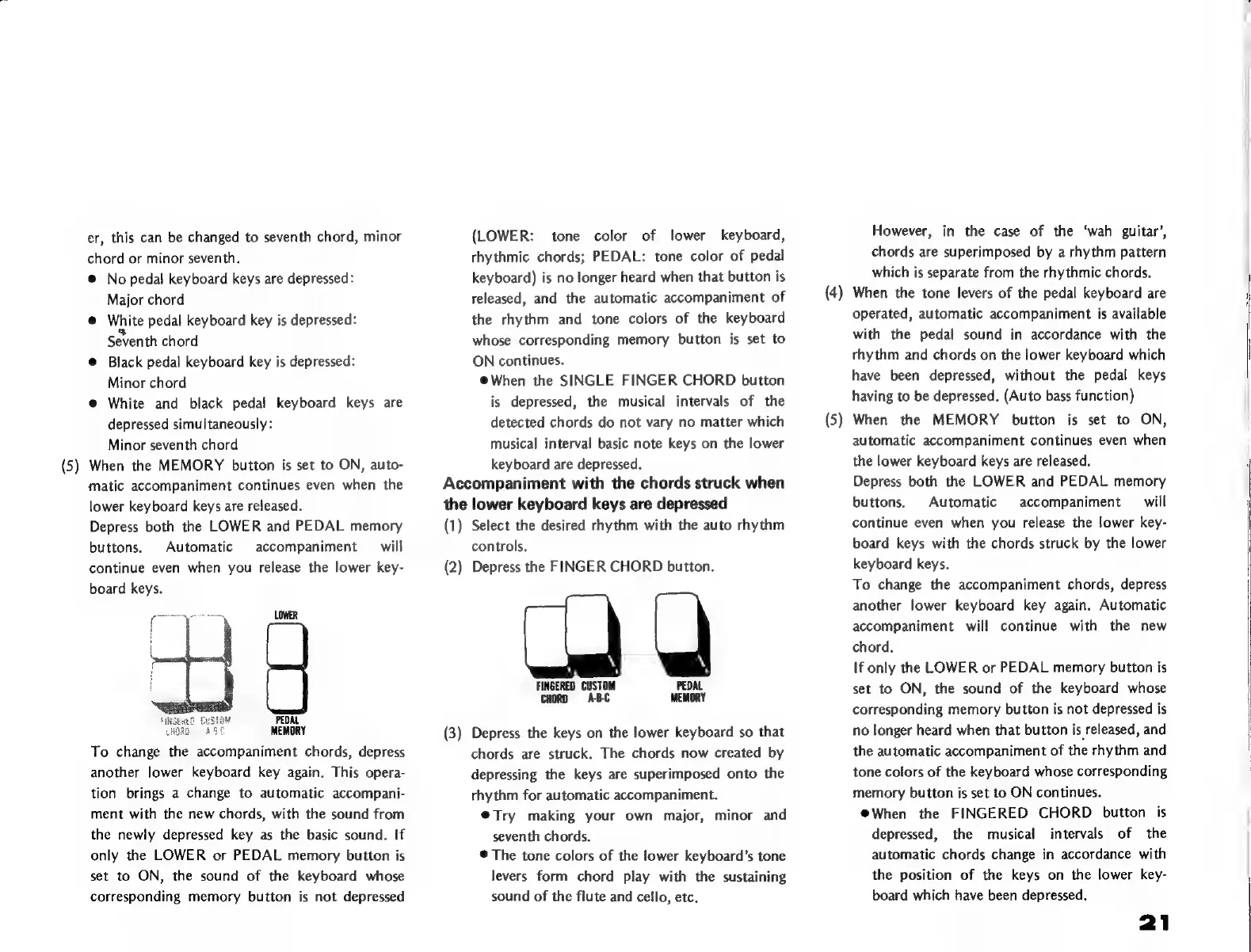
Depress
both
the
LOWER
and
PEDAL
memory
buttons.
Automatic
accompaniment
will
continue
even
when
you
release
the
lower
key-
board
keys.
LOWER
f
i
I
GUSTE
PEDAL
MEMORY
To
change
the
accompaniment
chords,
depress
another
lower
keyboard
key
again.
This
opera-
tion
brings
a
change
to
automatic
accompani-
ment
with
the
new
chords,
with
the
sound
from
the
newly
depressed
key
as
the
basic
sound.
If
only
the
LOWER
or
PEDAL
memory
button
is
set
to
ON,
the
sound
of
the
keyboard
whose
corresponding
memory
button
is
not
depressed
(LOWER:
tone
color
of
lower
keyboard,
rhythmic
chords;
PEDAL:
tone
color
of
pedal
keyboard)
is
no
longer
heard
when
that
button
is
released,
and
the
automatic
accompaniment
of
the
rhythm
and
tone
colors
of
the
keyboard
whose
corresponding
memory
button
is
set
to
ON
continues.
@When
the
SINGLE
FINGER
CHORD
button
is
depressed,
the
musical
intervals
of
the
detected
chords
do
not
vary
no
matter
which
musical
interval
basic
note
keys
on
the
lower
keyboard
are
depressed.
Accompaniment
with
the
chords
struck
when
the
lower
keyboard
keys
are
depressed
(1)
Select
the
desired
rhythm
with
the
auto
rhythm
controls.
(2)
Depress
the
FINGER
CHORD
button.
EN
\
5
`
`
FINGERED
CUSTOM
PEDAL
CHORD
ABC
MEMORY
(3)
Depress
the
keys
on
the
lower
keyboard
so
that
chords
are
struck.
The
chords
now
created
by
depressing
the
keys
are
superimposed
onto
the
rhythm
for
automatic
accompaniment.
@Try
making
your
own
major,
minor
and
seventh
chords.
*
The
tone
colors
of
the
lower
keyboard's
tone
levers
form
chord
play
with
the
sustaining
sound
of
the
flute
and
cello,
etc.
However,
in
the
case
of
the
‘wah
guitar’,
chords
are
superimposed
by
a
rhythm
pattern
which
is
separate
from
the
rhythmic
chords.
(4)
When
the
tone
levers
of
the
pedal
keyboard
are
operated,
automatic
accompaniment
is
available
with
the
pedal
sound
in
accordance
with
the
rhythm
and
chords
on
the
lower
keyboard
which
have
been
depressed,
without
the
pedal
keys
having
to
be
depressed.
(Auto
bass
function)
(5)
When
the
MEMORY
button
is
set
to
ON,
automatic
accompaniment
continues
even
when
the
lower
keyboard
keys
are
released.
Depress
both
the
LOWER
and
PEDAL
memory
buttons.
Automatic
accompaniment
will
continue
even
when
you
release
the
lower
key-
board
keys
with
the
chords
struck
by
the
lower
keyboard
keys.
To
change
the
accompaniment
chords,
depress
another
lower
keyboard
key
again.
Automatic
accompaniment
will
continue
with
the
new
chord.
If
only
the
LOWER
or
PEDAL
memory
button
is
set
to
ON,
the
sound
of
the
keyboard
whose
corresponding
memory
button
is
not
depressed
is
no
longer
heard
when
that
button
is
released,
and
the
automatic
accompaniment
of
the
rhythm
and
tone
colors
of
the
keyboard
whose
corresponding
memory
button
is
set
to
ON
continues.
eWhen
the
FINGERED
CHORD
button
is
depressed,
the
musical
intervals
of
the
automatic
chords
change
in
accordance
with
the
position
of
the
keys
on
the
lower
key-
board
which
have
been
depressed.

Related product manuals