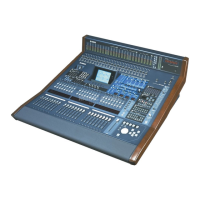
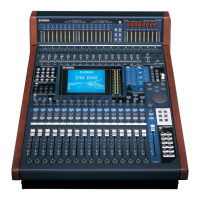
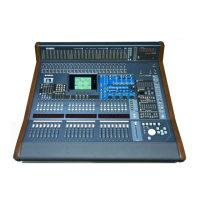
Yamaha DM2000 Digital Production Console
Orientation Guide
What You Need To Know At Startup:
Control Surface Layout
* System Setup
* Input Patching
* Input Channel Naming
* Effects Input Patching
* Output Patching
* Output Channel Naming
Input Channel Setup
Output Channel Setup
Assigning Subgroups
Storing & Recalling Scenes
* Once done, these are used infrequently unless system is modified.
Other important topics you will want to become familiar with:
— Metering, Levels & G.R.
— Block Diagram (Signal Flow)
— Monitoring & Talkback / Oscillator
— Pairing Inputs or Outputs
— Preferences (your custom settings)
— Sixteen Ch. Card Use – v1.14 or later
— SmartMedia™ Card Backup
— Stereo Inputs & Outputs
— Studio Manager Software
— Surround Sound – v1.1 or later
— I/O Patch Linking – v1.1 or later
— Updating the Operating System
NOTE: Many signal path and function edits can be done more than one way
(hardware keys or via software). Choose your preference for each.



 To Next Page