EasyManua.ls Logo

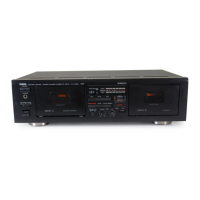
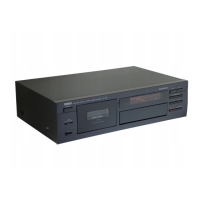
Yamaha KX 380 - User Manual

Yamaha KX 380
18 pages
Print Icon
To Next Page IconTo Next Page
Loading...
1
OWNER’S MANUAL
IMPORTANT
Please record the serial number of your unit in the space below.
Model:
Serial No:
The serial number is located on the rear of the unit.
Retain this Owner’s Manual in a safe place for future reference.
Í
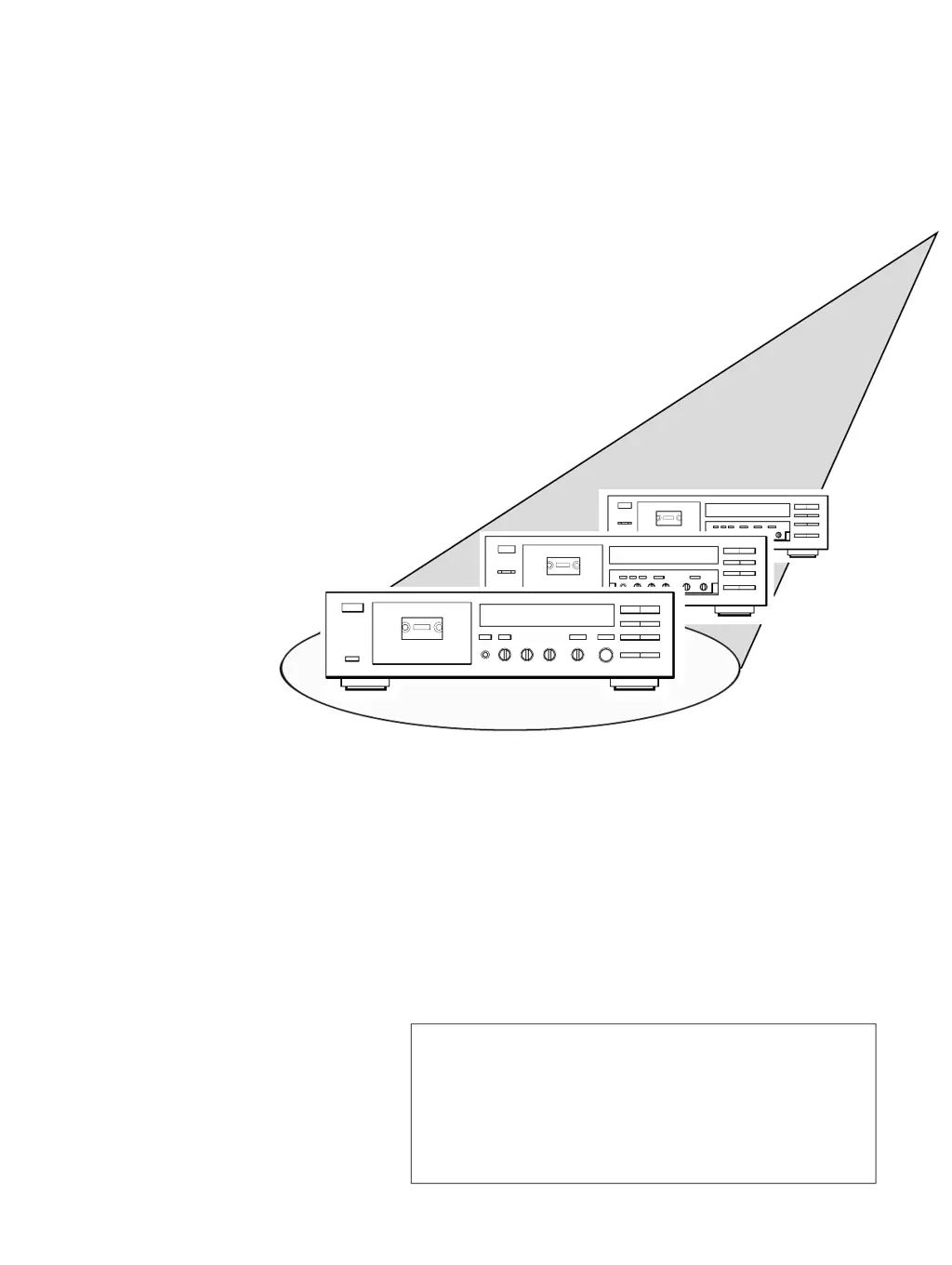
Natural Sound Stereo Cassette Deck
s
KX 580
KX 480
KX 380

Questions and Answers

  • I
    itaylorAug 17, 2025
    Why is my Yamaha KX 380 Cassette Player making excessive noise?
    • A
      Amanda AndersonAug 18, 2025
      If the Yamaha Cassette Player is making excessive noise, try these steps: * Clean the head. * Demagnetize the head using a head demagnetizer. * Use a better quality tape. * Check and properly reinsert all input and output connections. * Move the unit away from electrical appliances like TVs, fluorescent lights, and electric blankets.
  • R
    robert59Aug 20, 2025
    What to do if recorded sound is distorted on my Yamaha Cassette Player?
    • S
      Scott ZamoraAug 20, 2025
      If the recorded sound on your Yamaha Cassette Player is distorted: * Replace the tape with a fresh one if the current tape is stretched or deformed. * Replace the cassette if the shell is warped. * Check the input level with the signal level meter and lower the recording level if it's too high.
  • M
    Mary YoungAug 23, 2025
    How to fix a Yamaha KX 380 when the tape doesn’t move?
    • W
      wallstephanieAug 23, 2025
      If your Yamaha Cassette Player's tape doesn’t move during recording or playback: * Ensure the power plug is properly inserted. * Rewind or flip the tape if it's at the end. * Avoid playing warped or damaged tapes.
  • A
    anna52Aug 26, 2025
    Why is the playback sound muffled on my Yamaha Cassette Player?
    • N
      Natalie SmithAug 26, 2025
      If the playback sound from your Yamaha Cassette Player is muffled and high frequencies are inaudible: * Ensure that a normally-recorded tape is played back in OFF position. * Clean the heads and demagnetize them with a head demagnetizer.
  • J
    Justin CopelandAug 28, 2025
    How to eliminate excessive wow on my Yamaha KX 380?
    • E
      Elizabeth OwenAug 28, 2025
      If your Yamaha Cassette Player has excessive wow (wavering sound): * Clean the capstan and pinch roller, or use a better tape if the current one is of poor quality. * Rewind the tape if it's wound unevenly.
  • T
    Timothy LongAug 31, 2025
    Why does the REC/PAUSE button fail on my Yamaha KX 380?
    • W
      washingtondanielleAug 31, 2025
      If the REC/PAUSE button on your Yamaha Cassette Player isn't working: * Make sure a cassette tape is loaded. * If the protective tabs are broken off, either change the tape or cover the protective hole with adhesive tape.
  • P
    Philip JohnsonSep 3, 2025
    What to do if Yamaha Cassette Player remote control is not working?
    • R
      Robert AlexanderSep 3, 2025
      If the Yamaha Cassette Player remote control transmitter cannot be operated: * Replace the batteries. * Operate it from less than 7 meters (about 23 ft.) and 30°. * Place the unit away from the strong light.
  • T
    Taylor EdwardsSep 5, 2025
    Why does the sound become faint on my Yamaha Cassette Player?
    • J
      James JimenezSep 5, 2025
      If the sound from your Yamaha Cassette Player becomes faint or inaudible: * Clean the head. * Demagnetize the head using a head demagnetizer. * Try a different tape, as the current one might be damaged or of poor quality.
  • C
    Connor OwensSep 8, 2025
    How to troubleshoot recording issues on a Yamaha Cassette Player?
    • N
      Natasha StanleySep 8, 2025
      If your Yamaha Cassette Player fails to record: * Adjust the REC LEVEL control. * Change the tape or cover the protective hole with adhesive tape if the protective tabs are broken off.
  • S
    Samantha WaltersSep 12, 2025
    Why are high frequencies emphasized on my Yamaha KX 380?
    • A
      Angelica GarciaSep 12, 2025
      If the high frequencies in the playback sound of your Yamaha Cassette Player are emphasized and unpleasant, and the noise level (hiss) is high, play back the Dolby NR-recorded tape in the appropriate Dolby NR position.

Summary

Features

Connections

Rear Panel Connections

Explains rear panel connections for amplifier/receiver.

Playback

Preparation for Playback

Steps before starting cassette playback.

Selection Search

Search for specific tape selections.

Intro Scan

Play back the beginning of each selection automatically.

Memory Stop Operation

Memorize and return to a specific counter position.

Repeat Playback (KX-580 and KX-480 only)

Repeat playback of a section or the entire tape.

Recording

Auto Tape Tuning

Detailed explanation of the Auto Tape Tuning function.

Safety Instructions

Troubleshooting

Specifications

Yamaha KX 380 Specifications

General IconGeneral
TypeCassette Deck
Track System4-track, 2-channel stereo
Tape Speed4.76 cm/s
Tape TypeNormal, CrO2, Metal
MotorDC motor
Noise ReductionDolby B
Output0.5V (line)
Frequency Response20Hz to 20kHz

Related product manuals