EasyManua.ls Logo

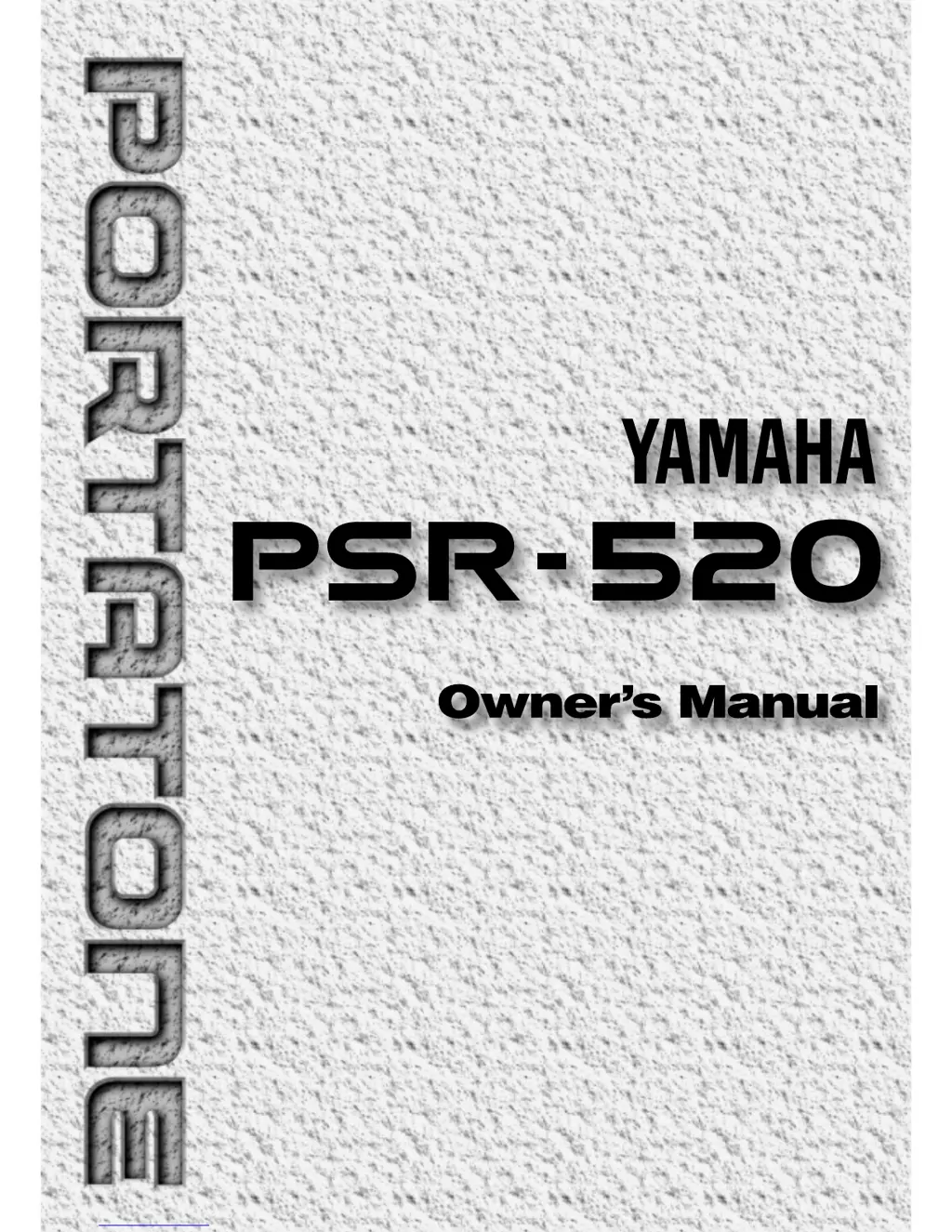
Yamaha Portatone PSR-520 - User Manual

Yamaha Portatone PSR-520
102 pages
Print Icon
To Next Page IconTo Next Page
Loading...

Table of Contents

Questions and Answers

  • B
    Benjamin RiveraAug 15, 2025
    What to do if my Yamaha Electronic Keyboard has no sound?
    • K
      Kelsey MurphyAug 15, 2025
      If your Yamaha Electronic Keyboard isn't producing sound, try turning the power off and then on again to restore the default 'Local ON' setting. Also, ensure that the Local Control function is turned ON.
  • G
    Gina DennisAug 17, 2025
    Why is the sustain pedal reversed on my Yamaha Electronic Keyboard?
    • S
      Steven VelezAug 18, 2025
      If the sustain pedal on your Yamaha Electronic Keyboard is reversed, it might be because the power was turned on or the pedal was plugged in while the pedal was pressed. To fix this, turn the power off, ensure the pedal is not pressed, and then turn the power back on.
  • J
    Jennifer RiveraAug 21, 2025
    Why is the accompaniment not playing properly on my Yamaha Electronic Keyboard?
    • L
      leslie17Aug 21, 2025
      If the accompaniment isn't playing correctly on your Yamaha Electronic Keyboard, ensure that the desired accompaniment tracks are not muted and that the Accomp Volume parameter is set to an audible level. If the issue persists, try turning the power off and then on again to reset the default track settings and accompaniment volume.
  • J
    Joseph ColeAug 25, 2025
    What to do if the selected voice does not sound on my Yamaha Electronic Keyboard?
    • H
      Heather SinghAug 25, 2025
      If the selected voice isn't sounding on your Yamaha Electronic Keyboard, check that the Keyboard Volume, Split Voice Volume, and Dual Voice Volume parameters are appropriately set. If that doesn't work, try turning the power off and then on again to restore the default volume setting for the voice.
  • T
    Timothy FernandezAug 28, 2025
    Why don't all notes sound when played simultaneously on my Yamaha Electronic Keyboard?
    • C
      Carla CummingsAug 28, 2025
      If not all notes are sounding simultaneously on your Yamaha Electronic Keyboard, you may be exceeding the maximum polyphony. The PSR-520 can play up to 32 notes at once, including split, dual, auto-accompaniment, song memory and multi pad notes. Notes exceeding this limit will not be audible.
  • M
    matthewcortezAug 31, 2025
    Why won't the Harmony/Echo and/or Dual Voice function turn on my Yamaha Electronic Keyboard?
    • D
      dudleycoreyAug 31, 2025
      The Harmony/Echo and Dual Voice functions on your Yamaha Electronic Keyboard may not activate if a percussion kit voice is selected. Ensure that a voice between number 01 and 141 is selected. Also, the Harmony/Echo effect cannot be turned on when the FINGERED FULL mode is in use.
  • C
    Christopher WilliamsSep 3, 2025
    Why is the auto accompaniment not functioning properly on my Yamaha Electronic Keyboard?
    • R
      ronald71Sep 4, 2025
      If the auto accompaniment on your Yamaha Electronic Keyboard isn't working correctly or there's no lower keyboard sound, ensure that SINGLE FINGER mode is selected if you're using SINGLE FINGER type fingering. Also, make sure you're playing in the Auto-Accompaniment section of the keyboard and playing chords that the PSR-520 can recognize.
  • M
    Matthew BrooksSep 7, 2025
    Why doesn’t the rhythm sound when started on my Yamaha Electronic Keyboard?
    • J
      Jody JacksonSep 7, 2025
      The rhythm may not sound when started on your Yamaha Electronic Keyboard because some sections of certain styles do not utilize the accompaniment rhythm track.
  • S
    Shirley ReynoldsSep 10, 2025
    Why does my Yamaha Electronic Keyboard make a popping sound when turned on or off?
    • T
      Timothy OchoaSep 10, 2025
      The “pop” sound from the speakers of your Yamaha Electronic Keyboard when turning the power on or off is normal and not a cause for concern.

Summary

Setting Up Your PortaTone

Playing the PSR-520 Keyboard

Selecting and Playing Voices

Guide on choosing from 141 pitched voices and 8 percussion kits.

Digital Effects Overview

Using Reverb, Chorus, and DSP Effects

Explanation of the three main digital effects available on the PSR-520.

Auto Accompaniment Guide

Selecting Accompaniment Modes

Choosing between SINGLE and FINGERED modes for chord recognition.

Starting and Stopping Accompaniment

Initiating Accompaniment Playback

Methods for starting accompaniment: straight, intro, or synchronized.

Stopping Accompaniment

Procedures for stopping accompaniment playback.

Accompaniment Track Control

One Touch Setting Feature

Activating and Selecting One Touch Settings

Instantly selecting appropriate panel settings for current styles.

Registration Memory Function

Storing Panel Settings in Registration Memory

Saving and recalling complete control panel setups.

Song Recording Overview

Recording a Melody Track

Capturing keyboard performance data for melody parts.

Melody Track Recording Steps

Engaging Melody Track Record Ready Mode

Preparing the PSR-520 to record melody tracks.

Recording and Stopping Melody Tracks

Process for recording and stopping melody track playback.

Recording Accompaniment and Melody

Recording Accompaniment with Melody

Capturing accompaniment and melody parts simultaneously.

Song Recording Process

Entering a Song Name

Assigning names to recorded user songs.

The Multi Pads Functionality

Playing the Multi Pads

Using pre-recorded or custom rhythmic/melodic sequences.

Recording on the Multi Pads

Recording Multi Pad Sequences

Capturing custom rhythmic or melodic phrases for Multi Pads.

Using Music Cartridges

Inserting a Music Cartridge

Proper procedure for inserting Yamaha Music Cartridges.

Music Cartridge Handling Precautions

Guidelines for safe handling and care of music cartridges.

Practice Features

The Minus One Mode

Practicing songs with specific parts (left/right hand) removed.

Specifying Minus One Parts

Selecting which parts (left, right, or both) to turn off in Minus One mode.

Overall Functions Overview

Keyboard Volume Control

Adjusting the volume of keyboard sounds relative to accompaniment.

Octave Shift

Adjusting the keyboard voice pitch up or down by octaves.

Reverb and Chorus Level Settings

Adjusting send levels for reverb and chorus effects.

DSP Level and Panning

Adjusting DSP effect send level and stereo pan position.

MIDI Functions Explained

MIDI Connectors and Basic Control

Understanding MIDI IN/OUT ports and basic MIDI communication.

MIDI Remote Control and Output

MIDI Communication Settings

MIDI Data Transfer

Digital Effect Configuration Details

Troubleshooting Common Issues

Data Backup and Initialization

Data Initialization Procedure

Restoring the PSR-520 to factory preset conditions.

MIDI Implementation Chart

GM System Level 1 Compliance

Information on General MIDI System Level 1 compatibility.

MIDI Data Format Details

MIDI Effect Parameter Mapping

PSR-520 Specifications

Special Safety and Compliance Notices

FCC Information and Compliance

Details on FCC regulations and interference guidelines for the unit.

Battery and Disposal Information

Guidelines for battery usage, replacement, and product disposal.

Limited Warranty Information

Consumer Responsibilities for Warranty Service

Outlines customer duties for warranty claims and service.

Warranty Exclusions and Limitations

Specifies conditions under which the warranty is void or does not apply.

Yamaha Portatone PSR-520 Specifications

General IconGeneral
BrandYamaha
ModelPSR-520
Number of Keys61
Styles100
EffectsReverb, Chorus, DSP
DisplayLCD
MIDIIn/Out
Power Consumption18W
ConnectionsHeadphones, MIDI In/Out, Sustain Pedal
Weight7.5 kg
TypeKeyboard
Sequencer5 Songs, 6 Tracks
Speakers12 cm x 2
Power SupplyAC Adapter
Polyphony32-note

Related product manuals