EasyManua.ls Logo

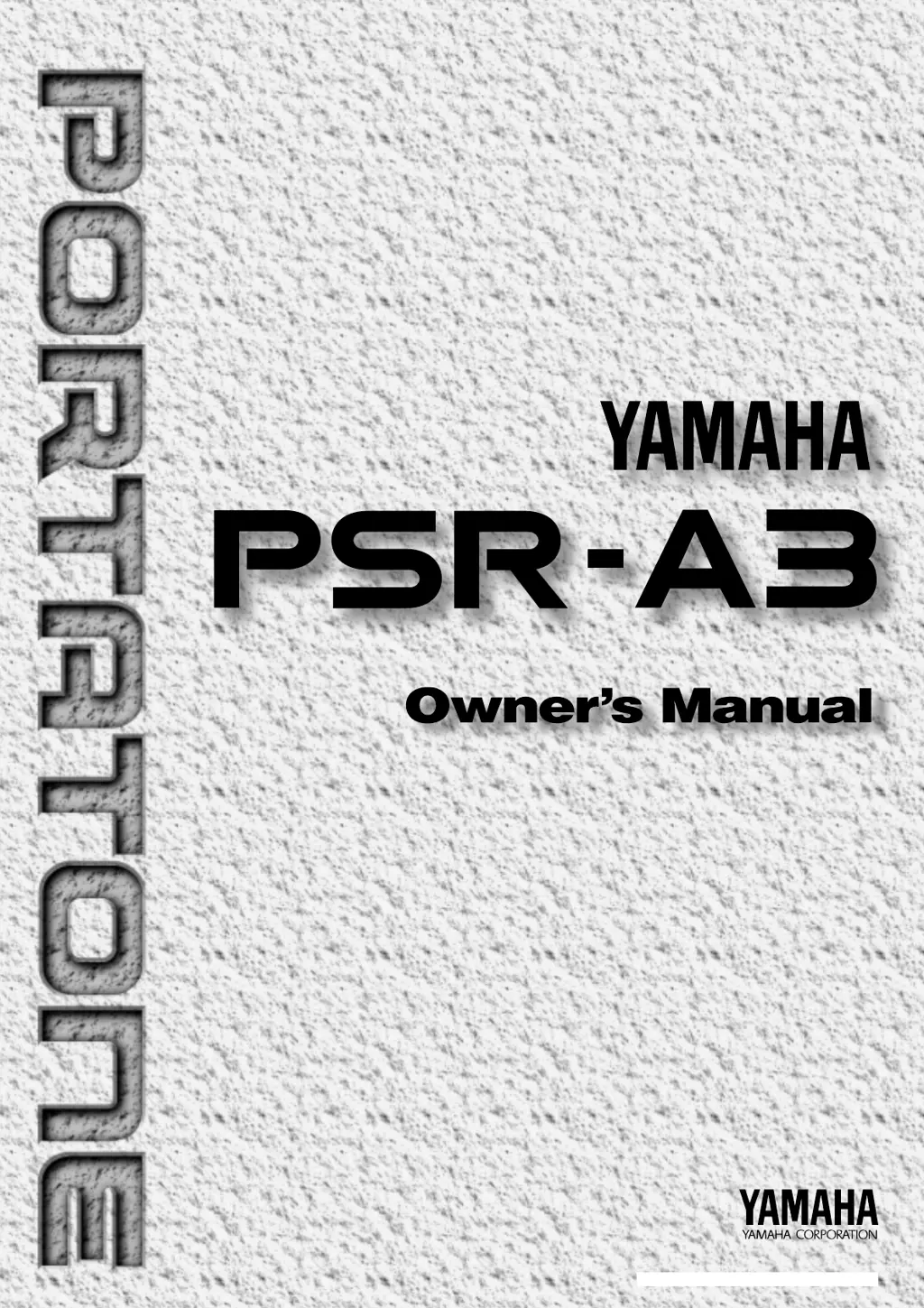
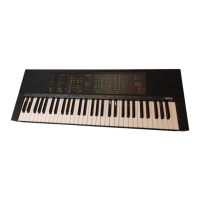
Yamaha PortaTone PSR-A3 - User Manual

Yamaha PortaTone PSR-A3
103 pages
Print Icon
To Next Page IconTo Next Page
Loading...
M.D.G., EMI Division © 1995 Yamaha Corporation
VT49660 509POCP1.3-01A0 Printed in Japan

Table of Contents

Questions and Answers

  • S
    Scott WilliamsAug 14, 2025
    What to do if no sound comes out when playing Yamaha Electronic Keyboard?
    • W
      William JohnsonAug 14, 2025
      First, turn the power off, then on again; the default setting “Local ON” will be automatically selected. If that doesn't work, ensure that the Local Control function is turned ON.
  • L
    Lisa MoralesAug 17, 2025
    What to do if the selected voice does not sound when playing Yamaha Electronic Keyboard?
    • G
      gary63Aug 17, 2025
      Ensure that the Keyboard Volume, Split Voice Volume, and/or Dual Voice Volume parameters are set at an appropriate level. If the issue persists, turn the power off and on again so that the appropriate default volume setting for the voice is automatically selected.
  • M
    Megan FitzgeraldAug 21, 2025
    Why does the sustain pedal operate in reverse on my Yamaha Electronic Keyboard?
    • M
      Mark MosleyAug 21, 2025
      Sustain pedal operation will be reversed if you turn on the power or plug in the pedal while pressing the pedal. For normal operation, turn off the power then turn it back on while the pedal is not pressed.
  • G
    Gina HughesAug 25, 2025
    What to do if auto accompaniment won’t function properly or there's no lower keyboard sound on Yamaha Electronic Keyboard?
    • B
      Brooke BeanAug 25, 2025
      Auto accompaniment won’t sound right if you’re using SINGLE FINGER type fingering when the SINGLE FINGER mode is not selected. Make sure you’ve selected SINGLE FINGER mode. Also, make sure you’re playing in the Auto-Accompaniment section of the keyboard and playing chords that the keyboard can recognize.
  • B
    Brian GreenAug 27, 2025
    What to do if not all simultaneously-played notes sound on Yamaha Electronic Keyboard?
    • J
      Jason HuynhAug 27, 2025
      You are probably exceeding the maximum polyphony. The keyboard can play up to 32 notes at the same time — including split, dual, auto-accompaniment, song memory, and multi pad notes. Notes exceeding this limit will not sound.
  • B
    beckerstephanieAug 30, 2025
    Why does accompaniment not play properly on my Yamaha Electronic Keyboard?
    • A
      Andrew ChristianAug 31, 2025
      Ensure that the accompaniment tracks you want to hear are not muted and that the Accomp Volume parameter is at a reasonable level. Alternatively, turn the power off and on again to automatically select the default track setting and accompaniment volume.
  • M
    Michael RussoSep 3, 2025
    Why harmony/echo and/or dual voice function won't turn on my Yamaha Electronic Keyboard?
    • K
      kflemingSep 3, 2025
      Neither of these functions can be turned on if a percussion kit voice is selected. Make sure a voice between number 01 and 160 is selected. Also, the Harmony/Echo effect cannot be turned ON when the FINGERED FULL mode is in use.
  • K
    Kristie WilsonSep 6, 2025
    What to do if the desired parameter cannot be edited on Yamaha Electronic Keyboard?
    • H
      hensonisaiahSep 6, 2025
      Make sure that the cursor is located at the parameter to be edited (the parameter should be flashing).
  • D
    Dr. Stacy WhiteSep 10, 2025
    Why does my Yamaha Electronic Keyboard produce a “pop” sound when turned on or off?
    • N
      Natalie DavisSep 10, 2025
      This is normal and is no cause for alarm.

Summary

Important Features

Key Features Overview

Lists the primary functionalities and capabilities of the PSR-A3.

Taking Care of Your PortaTone

Location and Power

Guidelines for instrument placement and power supply options.

Handling, Cleaning, and Safety

Instructions for safe handling, cleaning, and preventing damage.

Panel Controls

Top Panel Controls Overview

Identifies and describes the controls on the top panel of the keyboard.

Rear Panel Connections

Details the ports and connectors located on the rear panel.

Setting Up

Power Supply Options

Instructions for connecting the AC adapter or using batteries.

Connecting External Devices

Guidance on using jacks like PHONES, SUSTAIN, AUX OUT, and MIDI.

The Demonstration

Using Demonstration Songs

How to listen to and explore the built-in demo songs.

Basic Display Operation

LCD Panel and Navigation

Explanation of the display interface, cursor, and function buttons.

Playing the PSR-A3

Selecting and Playing Voices

Guide to choosing and playing the instrument's various voices.

The Split Mode

Split Voice and Split Point

How to set different voices for left/right hands and adjust the split point.

Touch Response and Dual Voice

Touch Response Control

How to enable and adjust keyboard sensitivity for dynamic playing.

Dual Voice Layering

How to combine two voices for a richer sound.

Harmony;Echo Effects

Harmony;Echo Types

How to select and apply harmony or echo effects to the melody.

Sustain and Pitch Bend

Sustain Effect

How to use the sustain function for longer notes.

Pitch Bend Control

How to use the pitch bend wheel for expressive playing.

Digital Effects

Overview of Digital Effects

Introduction to Reverb, Chorus, and DSP effects.

Reverb Effect Settings

How to select and adjust reverb types and levels.

Chorus and DSP Effects

Chorus Effect Settings

How to select and adjust chorus types and return levels.

DSP Effect Settings

How to select and adjust DSP types and return levels.

Using Auto Accompaniment

Accompaniment Modes

How to select SINGLE or FINGERED modes for auto accompaniment.

Style and Tempo Selection

Selecting Accompaniment Styles

How to choose from the 140 available accompaniment styles.

Setting the Tempo

How to adjust the tempo for songs and accompaniments.

Starting the Accompaniment

Accompaniment Start Methods

Various ways to start the auto accompaniment playback.

Accompaniment Track Control

Track Management

How to control individual accompaniment tracks (mute, volume, voice).

One Touch Setting

Using One Touch Setting

How to quickly recall panel settings suitable for the current style.

Using Arabic Scales

Adjusting Scale Tuning

How to customize the tuning of specific notes for Arabic scales.

Scale Memory

Registering and Recalling Scales

How to save and load custom scale tunings using Scale Memory.

Registration Memory

Registering Panel Settings

How to save and recall complete keyboard setups to memory.

Recall Registered Panel Settings

Accomp Freeze Function

How to recall settings without disturbing accompaniment flow.

Song Recording

Recording a Melody Track

Step-by-step guide to recording a melody onto a song track.

Recording Accompaniment

Recording Accompaniment with Melody

How to record accompaniment tracks, with or without melody.

Accompaniment and Melody Playback

Song Playback Control

How to start, stop, and play along with recorded songs.

Voice & Volume Rewrite

Rewriting Recorded Song Data

How to edit voice and volume data within recorded songs.

The Multi Pads

Playing and Recording Multi Pads

How to use and record custom phrases with the multi pads.

Using Music Cartridges

Cartridge Handling and Insertion

Instructions for inserting, removing, and caring for music cartridges.

Cartridge Accompaniment Styles

Selecting and Using Cartridge Styles

How to choose and play accompaniment styles from cartridges.

Cartridge Songs

Cartridge Song Playback

How to play songs stored on music cartridges.

Cartridge Registration Presets

Selecting Cartridge Registration

How to load registration settings from cartridges.

Practice Features

The Minus One Mode

How to practice songs with specific parts removed.

Repeat Play

Repeat Playback Function

How to set sections of songs for continuous repeat playback.

Overall Functions

General Function Overview

Summary of the various overall functions and their settings.

Keyboard Volume, Octave, and Effects Levels

Keyboard Volume and Octave

How to adjust keyboard volume and octave settings.

Reverb, Chorus, and DSP Levels

How to set send levels for Reverb, Chorus, and DSP effects.

Voice Set, Accompaniment Volume, Touch Sensitivity, and Tuning

Voice Set and Touch Sensitivity

How to manage voice parameters and keyboard touch response.

Accompaniment Volume and Tuning

How to adjust accompaniment volume and fine-tune the keyboard's pitch.

Minus-One Channels, Metronome, and Pitch Bend

Minus-One Channel and Pitch Bend

How to set MIDI channels for practice and adjust pitch bend range.

Metronome and Tuning

How to use the metronome and adjust overall tuning.

MIDI Functions

MIDI Connectors and Control

Explanation of MIDI connectors and basic control principles.

MIDI Data Transmission

Remote Channel and Sequence Recording

How to set remote channels and use external sequencers.

MIDI Output Settings

Keyboard, Song, and Accompaniment Output

How to transmit keyboard, song, and accompaniment data via MIDI OUT.

Local Control, External Clock, and Data Send

Local Control and External Clock

How to manage local control and synchronize with external clocks.

Initial Data Send

How to transmit current panel settings to a MIDI device.

Bulk Data Transfer

Bulk Data Send and Reception

How to send and receive data via MIDI bulk dump.

Appendix: Function Tree

PSR-A3 Function Tree Overview

A hierarchical list of all functions and their corresponding pages.

Appendix: About Digital Effect

Digital Effect Configuration

Diagram and explanation of how digital effects are routed.

Appendix: Troubleshooting

Troubleshooting Common Issues

Solutions for common problems and malfunctions.

Appendix: Data Backup & Initialization

Data Initialization

How to reset the keyboard to factory default settings.

Voice List

Panel Voice List

A list of all available panel voices with their MIDI numbers.

Percussion Kit List

Percussion Kit Assignments

Details on which MIDI notes trigger specific drum sounds.

MIDI Implementation Chart

MIDI Function Details

Technical chart detailing MIDI messages transmitted and recognized.

Yamaha PortaTone PSR-A3 Specifications

General IconGeneral
BrandYamaha
ModelPortaTone PSR-A3
CategoryElectronic Keyboard
LanguageEnglish

Related product manuals