8 En
HDMI Control function
NOTE
• When the sound bar is connected to a TV via HDMI cable, confirm that the TV’s settings are properly configured as follows:
- The TV’s HDMI Control function is enabled.
- The audio output is not set to the TV speakers.
• Connect AV devices, such as BD/DVD players and set top boxes, to the TV’s HDMI input jacks.
When the sound bar is connected to the HDMI input jack
compatible with Audio Return Channel (labeled as “eARC” or
“ARC”) on a TV via an HDMI cable, control signals are
transmitted from the TV to the sound bar.
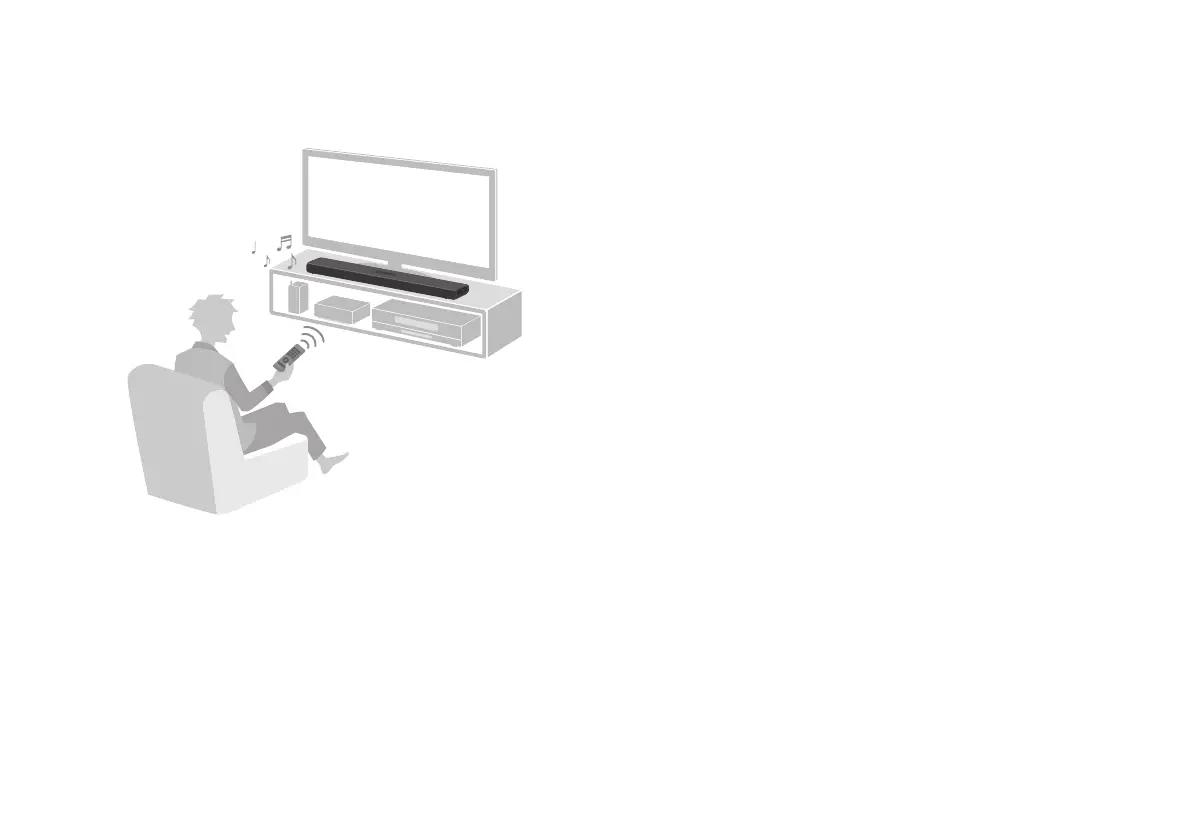
This will enable you to use the HDMI Control function to control
the sound bar using the TV’s remote control. Also, the TV audio
signal is transmitted to the sound bar via the HDMI cable.
Therefore, the sound bar can be connected to a TV using a
single HDMI cable.



 To Next Page