Yamatake Corporation Appendix
ST3000 Smart Transmitter Series 900 Electronic Differential Pressure/Pressure Transmitter A-5
1-6: Checking Basic Data
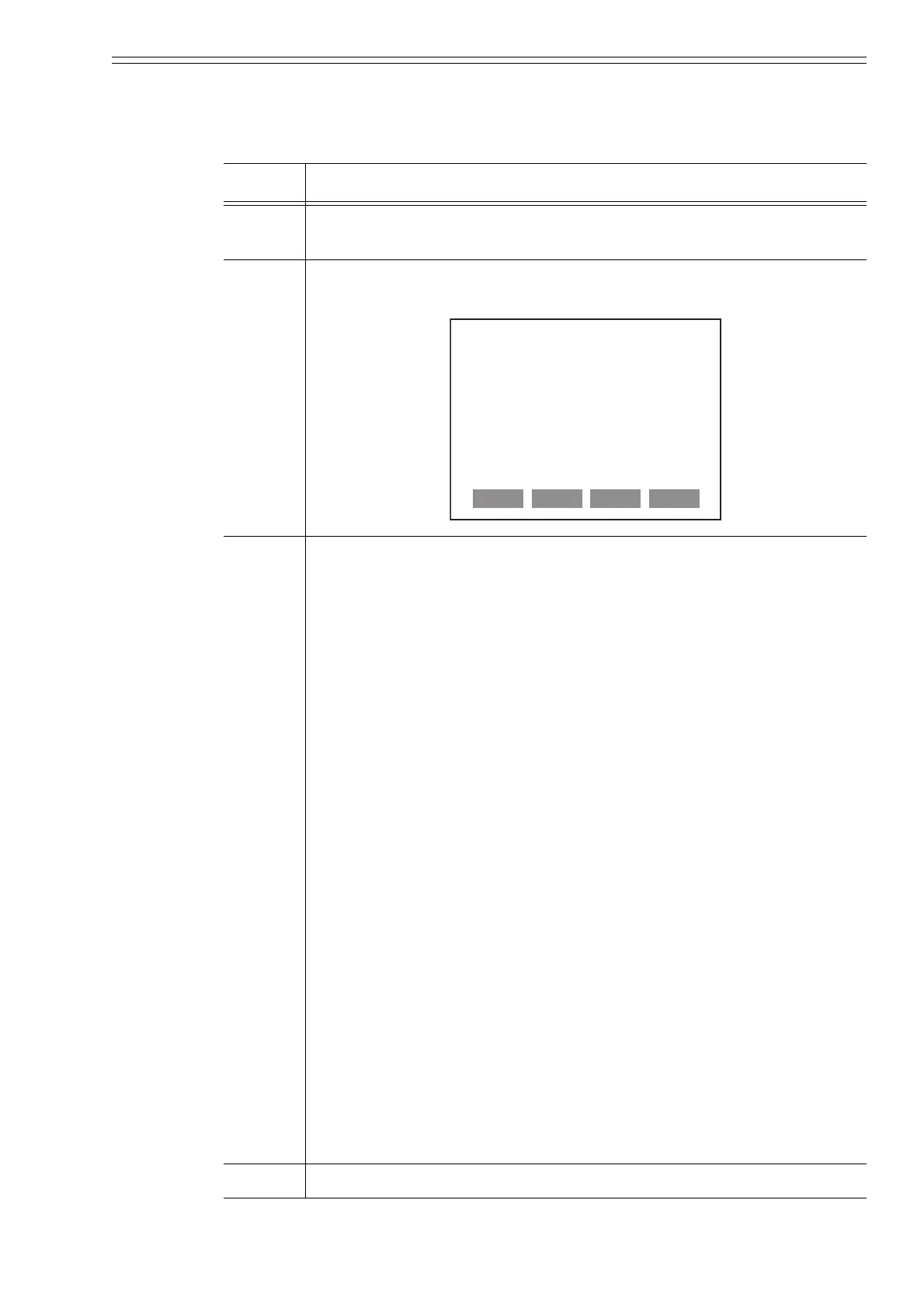
This procedure checks the transmitter's factory-set configuration parameters:
STEP Action and/or Description
1 From the “Online” menu, enter “Device setup” by pressing the right
arrow () key on the communicator keypad.
2 Press the down arrow () key to scroll down to menu-item “5 Review”.
When highlighted press the right arrow () key to enter review function.
3 Press PREV and/or NEXT to scroll through the configuration data
including:
• Model
• Measurement type
• Manufacturer
• Pressure unit
• URL (Upper Range Limit)
• LRL (Lower Range Limit)
• Damping
• PV% Range
• Transfer function (linear or square root)
• PV URV (Upper Range Value)
• PV LRV (Lower Range Value)
• Analog output (in mA)
• AO Alarm type
• Sensor serial number
•PROM ID
• Device ID
•Tag name
• Message
• Universal revision number
• Field device revision number
• Software revision number
• Polling address
• Number of required preambles
4 Press EXIT to go back to the “Device setup” menu.
ST3000: TAG001
REVIEW
Model
ST3000
HELP
PREV SAVE EXIT



 To Next Page