19
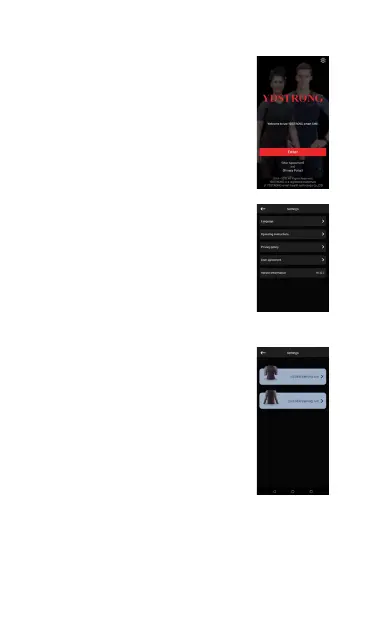
3.Turn on Bluetooth, open
the app and enter the APP
main interface.
4.Click the Settings button in
the upper right corner. You
can set the language, view
the operating instructions,
view version information,
etc.
5.Tap to enter on the APP
main interface. Enter the
device selection interface.
First-generation equipment
chooses first-generation
training suit, and second-
generation equipment
chooses second-generation
training suit



 To Next Page