26
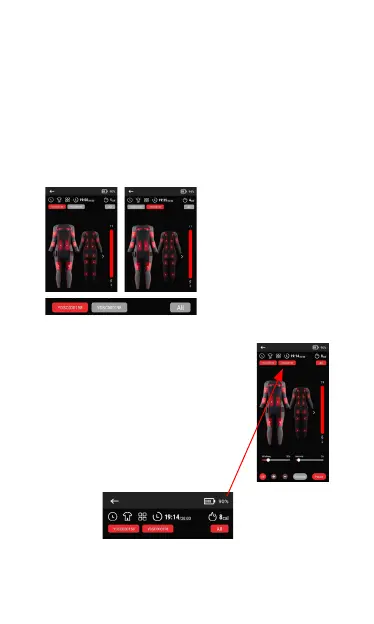
19.Select that control box, and the
corresponding setting interface of that
control box will appear, and multiple control
boxes can be controlled separately.
※Note: YDSC****** is the Bluetooth name of the controller,
corresponding to the bar code on the controller label.
18.You can also select the ALL
button next to the Bluetooth
name of the control box
to select all connected
control boxes and control all
connected control boxes at
the same time.



 To Next Page