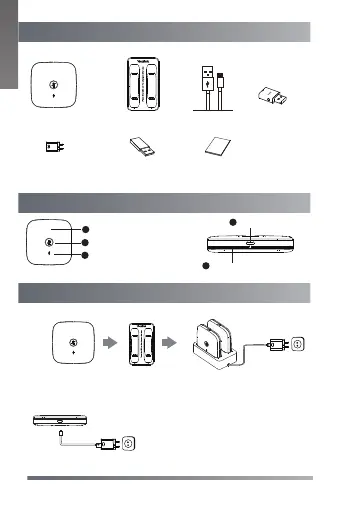
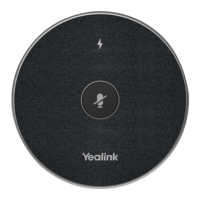
Mute LED Indicator
Packaging Contents
Hardware Overview
The following items are included in your package.
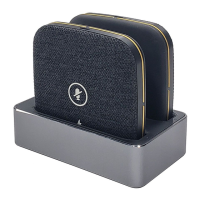
Charging the CPW65
Battery LED Indicator
Mute Button
1
1
2
3
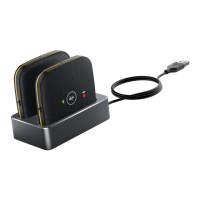
Charging Slot
Charger Cradle
1.8m
Micro USB Cable
Quick Start Guide
DECT
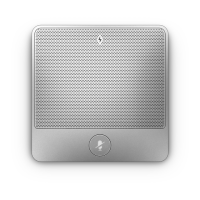
Microphone ×2
Put the CPW65 on the charger cradle. And connect to the power source.
4
USB Port
5
Micro USB Cable
2
Method 1:
Method 2:
L
I
S
WDD60
1
Power Adapter
Plug the provided USB cable into the
USB port on the CPW65, and connect to
the power source.
Micro USB Cable
Type-A to Type-A
Adapter
E
N
G
L
I
S
H
*When connecting WDD60 to UVC84, please use the
Type-A to Type-A Adapter
to
prevent overheating.


 To Next Page