If you are using an Engage 75 please use these instructions:
The easiest way to change settings on the Engage 75 headset is via the Jabra direct software.
This is free to download from https://www.jabra.com.au/software-and-services/jabra-direct
Once this has been downloaded and your headset is plugged into the PC you will be able to go directly
into the headset settings and select the EHS/Hook lifter type.
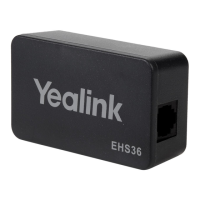
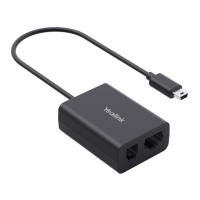
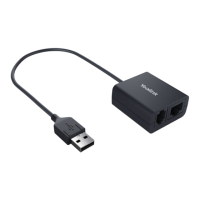
Sometimes after plugging the EHS cable into your phone, the phone will require a reboot to
recognise the new connection.
So if after following these instructions your headset is still not allowing you to open a line or
pick up a call, unplug your phone from power and then plug it back in. Let it boot back up and
then try again.
Tried everything and still not working?
Call Our Friendly Experts
1300 889 728


 To Previous Page