3
4
B
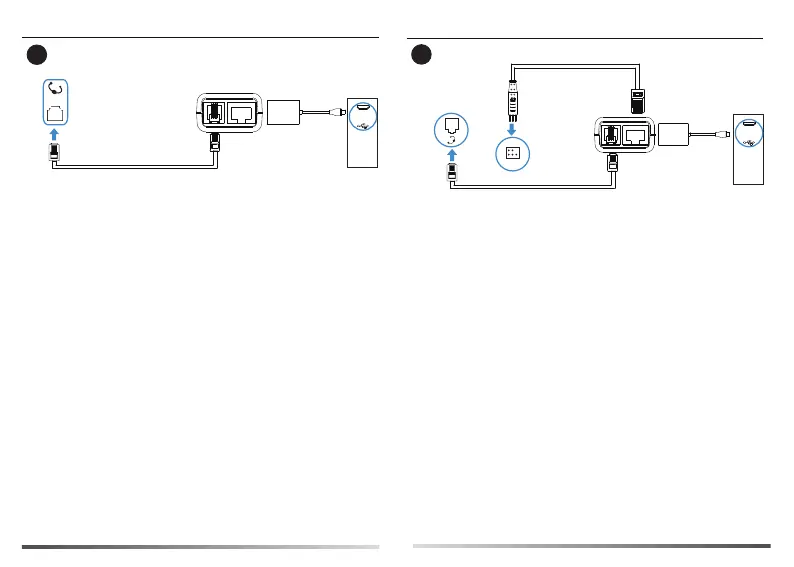
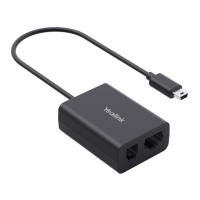
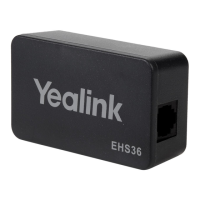
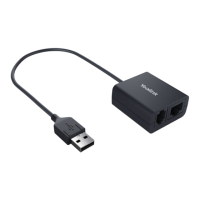
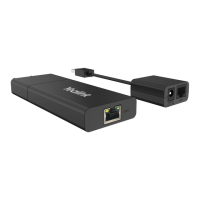
EHS60
Avaya/Grandstream IP Phone | Avaya/Grandstream
IP-Telefon |
Teléfono
Avaya/Grandstream
IP | Téléphone IP
Avaya/Grandstream
Yealink
WH62/
WH63
Cable A
Phone
port
Note: For Avaya phones, you need to go to the setup menu of the phone to
enable the EHS feature. Turn “switch hook and alert” to ON at the path:
setting > audio > headset signaling or Options&setting > Call settings
> headset signaling.
For Grandstream phones, you need to enable EHS feature for this phone
extension on the server side. Set HEADSET key mode to default mode.
C
EHS60
Poly IP Phone |
Poly IP-Telefon | Teléfono Poly IP | Téléphone IP Poly
Yealink
WH62/
WH63
Cable A
Cable C
Phone
port
Note: You need to go to the setup menu of the phone to enable the EHS feature.
Set Hookswitch Mode to Jabra or Sennheizer mode at the path:
setting > basic > preferences > Headset.



 To Next Page