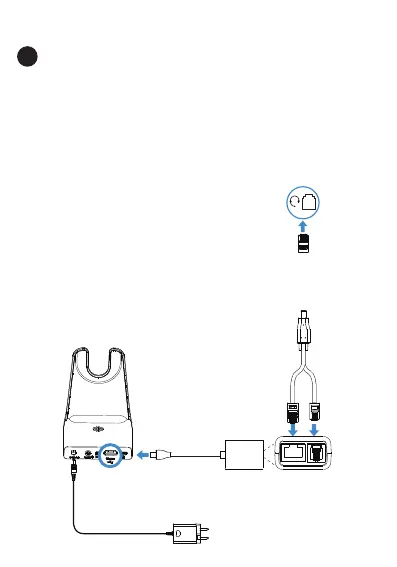
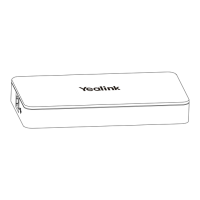
Connect the IP Phone and Headset
1
Mitel & Unify
Phone
Note:
- For Mitel Phones, you need to go to the phone's setup menu to enable the EHS
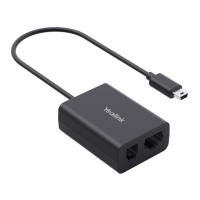
feature for the first time. Once the phone is configured, you can connect the EHS62
cord and headset.
1. In Settings interface, press Audio > Audio Mode to select Headset or
Speaker/Headset or Headset/Speaker.
2. Return to Settings interface, press Audio > Headset to select DHSG is ON.
- For Unify Phones, you can plug and play.
Cable A
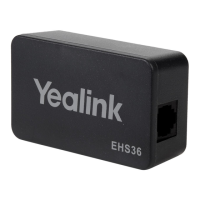
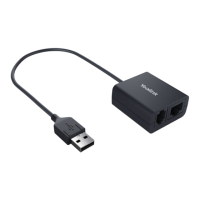
EHS62
Yealink WH64
Phone Port


 To Next Page