2
Avaya/Grandstream IP Phone
Note:
- For Avaya phones, you need to go to the setup menu of the phone to enable the
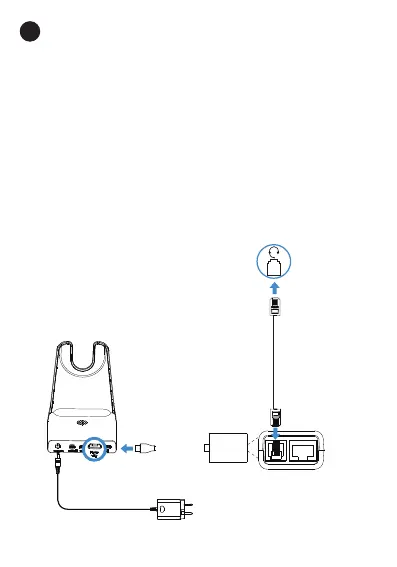
EHS feature. Once the phone is configured, you can connect the EHS62 cord
and headset.
Turn “switch hook and alert” to ON at the path:
Setting > audio > headset signaling > switch hook and alert ON or
Options&setting > Call settings > headset signaling >
switch hook and alert ON.
- For Grandstream phones, you need to enable EHS feature for this phone
on the server side. Once the phone is configured, you can connect the EHS62
cord and headset.
1) Set HEADSET key mode to Default Mode or Headset/Hands-free Mode.
2) Set Headset Type to Plantronics EHS.
3) Set Always Ring Speaker to Yes .
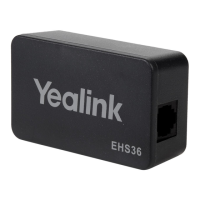
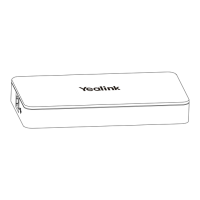
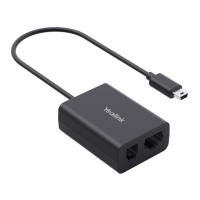
EHS62
Yealink WH64
Phone Port
Cable B


 To Next Page