Overview:
This document describes the steps required to successfully install the “eCost” telephone management software
application onto a windows workstation and setup the Yeastar S-Series PBX Systems using MySQL database.
3
rd
party software is required.
Step 1: Configure and Install ODBC MySQL Drivers
Step 2: Configure Yeastar S-Series PBX System
Step 3: Install and configure eCost TMS
STEP 1.1: Install MySQL-ODBC Driver Version: 3.51
The MySQL ODBC driver will facilitate the connection of the eCost software to the Yeastar S-Series Pbx systems
via the MySQL ODBC driver.
Driver Location:
The drive can be located in the eCost installation folder… c:\eCost\MySQL Driver
• mysql-odbc-3.51-win32.msi Windows 32bit Operating Systems
• mysql-odbc-3.51-winx64.msi Windows 64Bit Operating Systems
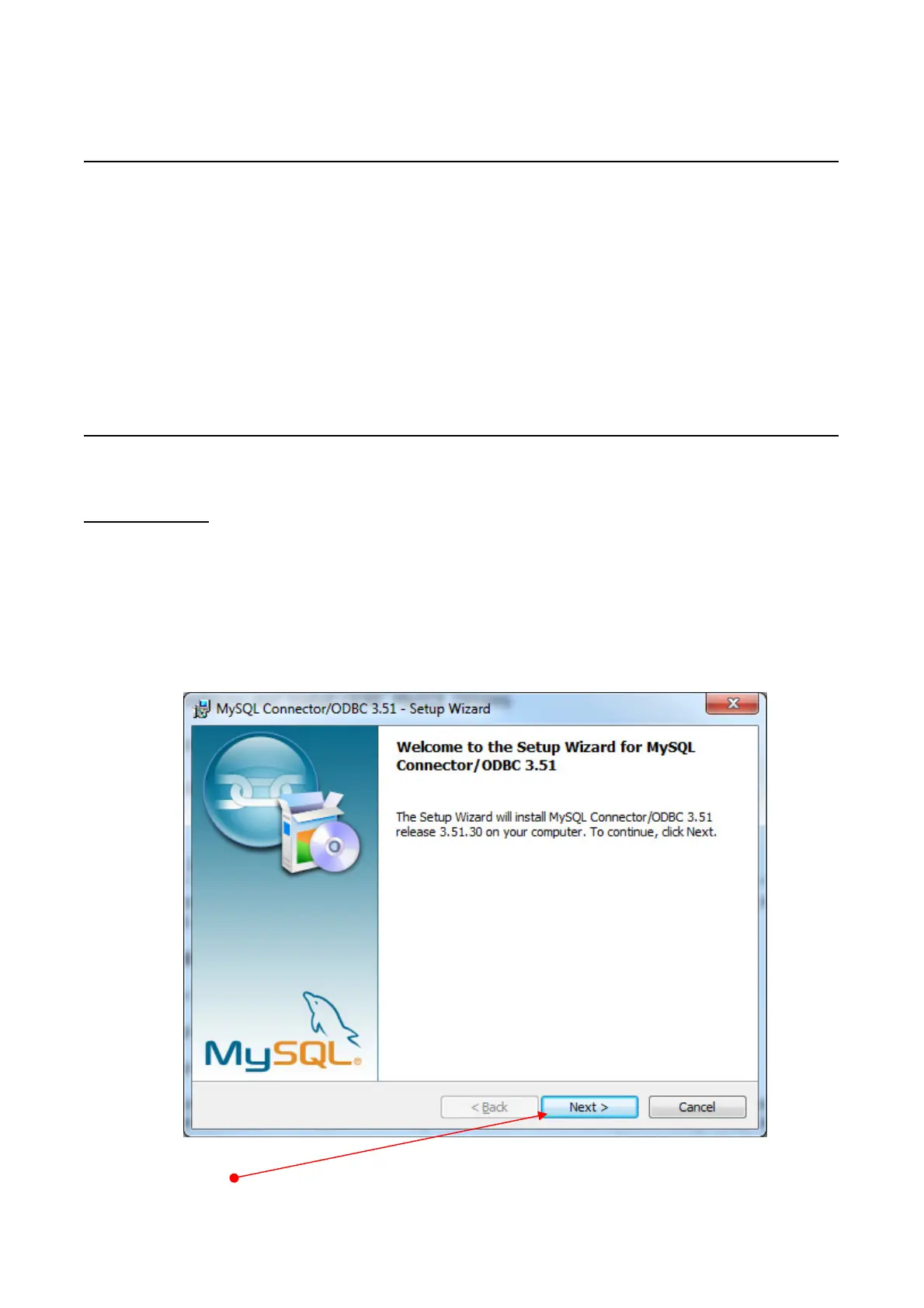
Run the applicable MySQL-ODBC driver
• Press NEXT


 To Next Page
 Loading...









