So!ware Installation
You will need to install the so!ware before you can establish a connection between so!ware
and iXm in Configuration Mode.
Installing on Apple macOS
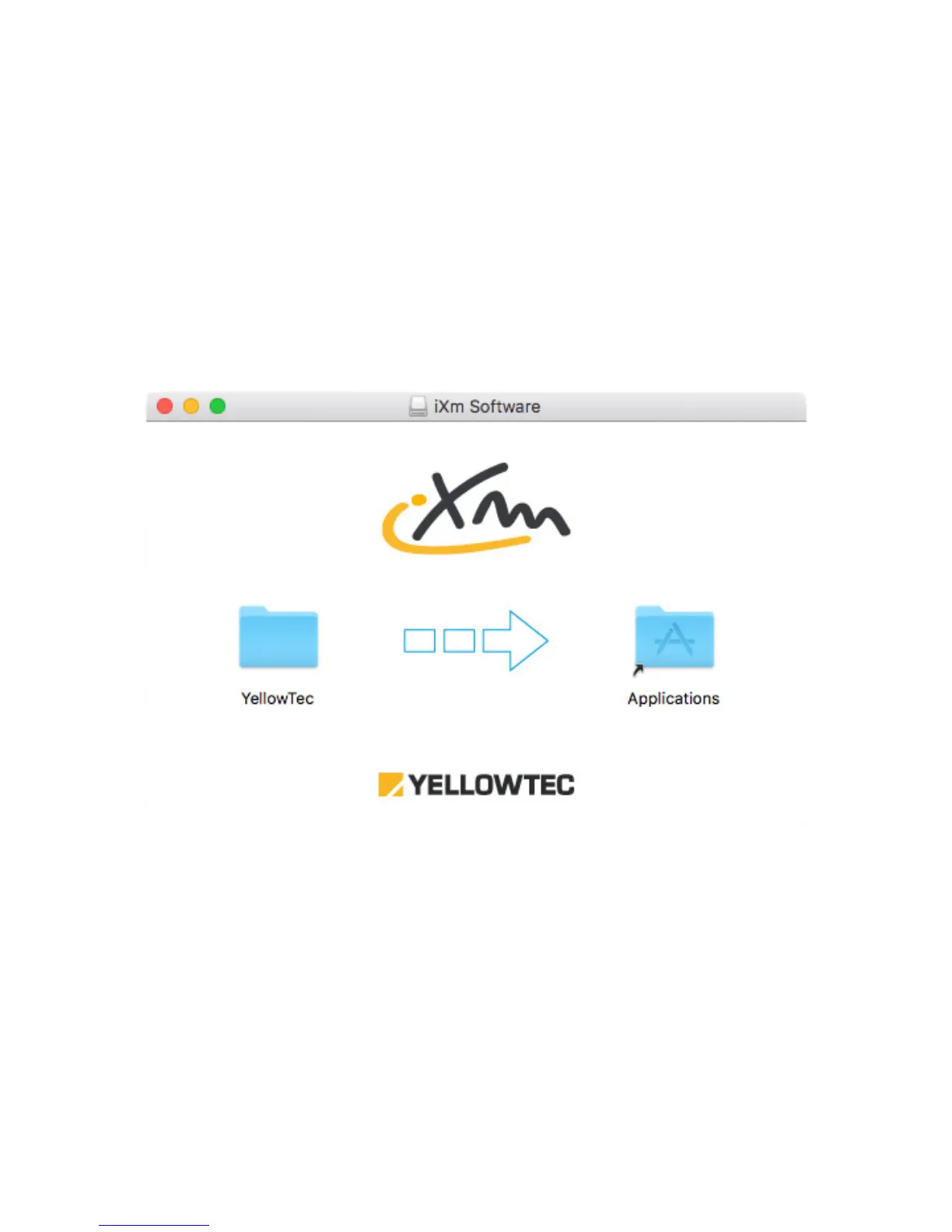
Open the Disk Image file (*.dmg) and drop the Yellowtec folder to the Applications folder as
displayed. If you have an earlier version of the so!ware installed and will be asked now to stop
or exchange the old files with the new one’s. Please decide to exchange all files.
Installing on Microso! Windows
If you have an earlier version of the iXm So!ware installed, please remove it before installing a
new one. Go to System Settings and Programs and Features. Uninstall both:
-
iXm So!ware
-
Windows Driver Package – Yellowtec (usbser) Ports
If you have completed uninstalling old so!ware packages, start the setup executable file
(*.exe) and follow the instructions. The setup will install iXm So!ware and drivers. A!er
completion you will need to read out the assigned COM port out of Windows’ Device Manager.


 To Next Page