3
How to set up your Wi SD Card
1. Download Toshiba FlashAir™ Conguration Software:
http://www.toshiba.co.jp/p-media/english/download/wl/software.htm
2. Setup the Card:
- Insert card into SD card reader
- Start the FlashAir conguration Software
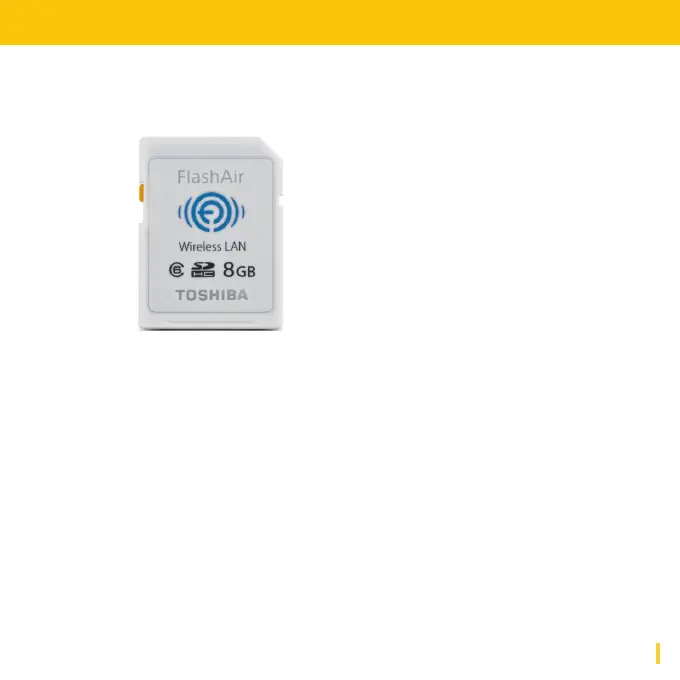
Recommended Wi Card:
We recommend to use a Toshiba
FlashAir™ W-02 Class10 SD Card.
Available in 8, 16 and 32 GB, we re-
commend to use the 8 GB version.


 To Next Page