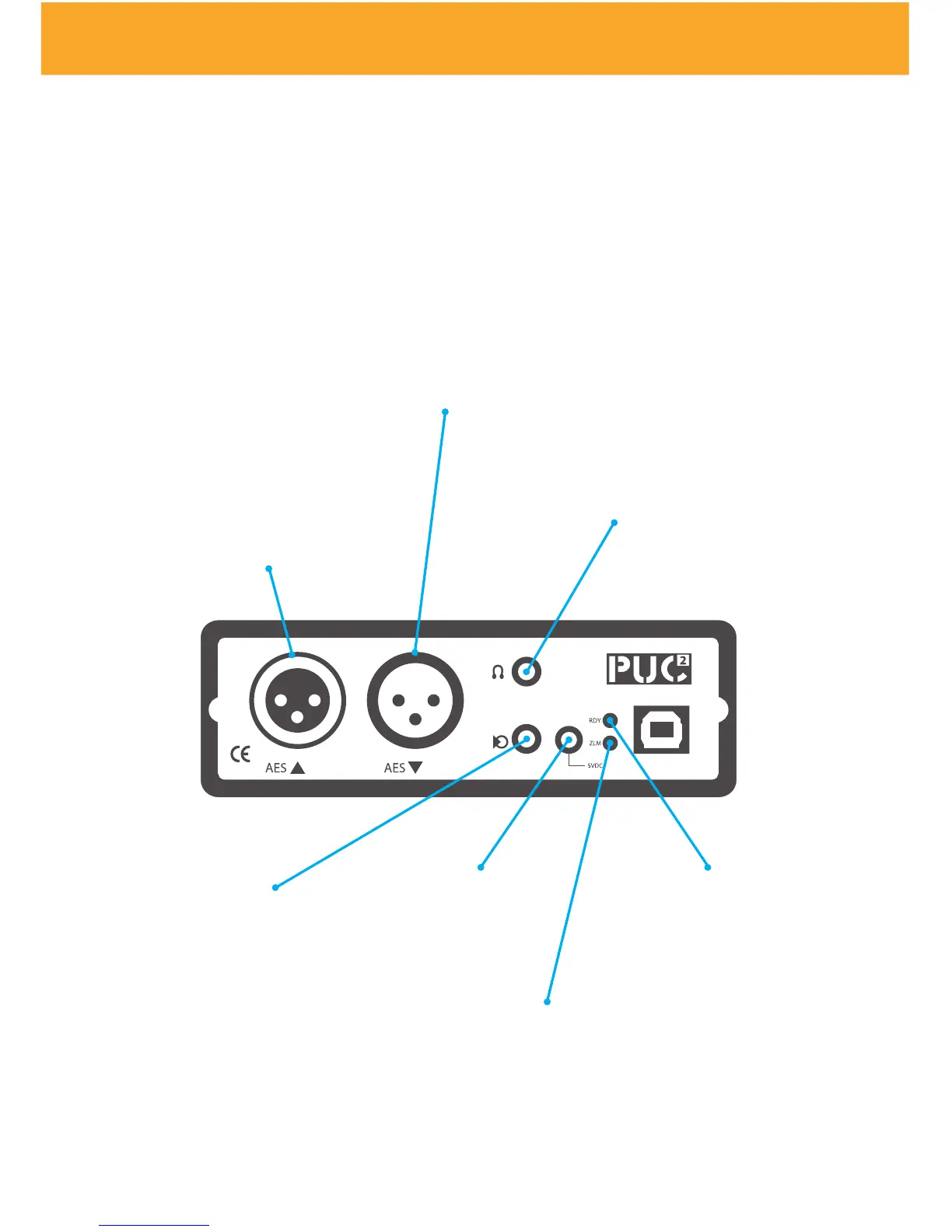
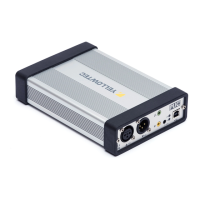
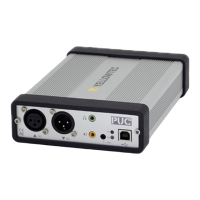
PUC² Front Panel
AES 3 Input
The AES-3 input is the
default audio input to the
PUC². This input will overri-
de any other inputs when a
digital input carrier is detec-
ted and locked, even if there
is no active audio in the
digital stream. The audio si-
gnal is converted into a USB
format and available to any
audio recording application
on the computer.
AES 3 Output
The AES-3 output is
always active at the
sample rate selected
by the application
running the computer
ZLM LED
Red indicates „Zero
Latency Monitoring“
(See advanced ope-
rations)
ZLM Jack
In order to route the input
signal directly to the
output you can apply an
external contact closure.
This bypasses the OS ker-
nel for true Zero Latency
Monitoring.
AUX Output
The stereo 3.5mm jack
supplies an analogue au-
dio signal for monitoring.
It can be used to drive a
set of headphones, alt-
hough there is no control
of the AUX output level.
*Note that PUC Lite comes
without an AUX out.
RDY LED
Green indicates proper
connection and wor-
king. Red indicates the
activation process when
you connect PUC² to the
computer
PUC² Front Panel *
Power Supply
5V DC power supply
adapter


 To Next Page