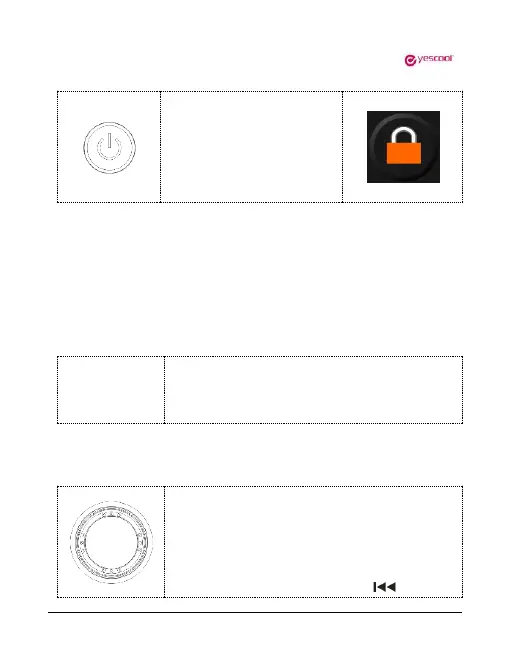
In the standby or play state,
short press the power switch
to lock the key, short press
again in the locked state to
unlock.
4.Reset
If the player crashes, press the "RESET" button to reset the system to forced
shutdown. If it still does not turn on, Please check if the battery is dead.
5.Pause
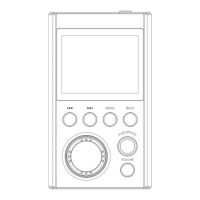
In the music playing state, short press "PLAY/PAUSE"
key to pause the current music, press "PLAY/PAUSE"
again to continue playing the current music.
In the music playing interface state, rotate the
circular scroll wheel to display the music file list, or
press the “BACK” key to return to the main
interface. Select the “file browse” menu to enter the
list of all music files, press the “ ” key or


 To Next Page