SMARTBENCH V1.3 – STANDARD, PRECISION AND PRECISIONPRO
Setting the laser datum
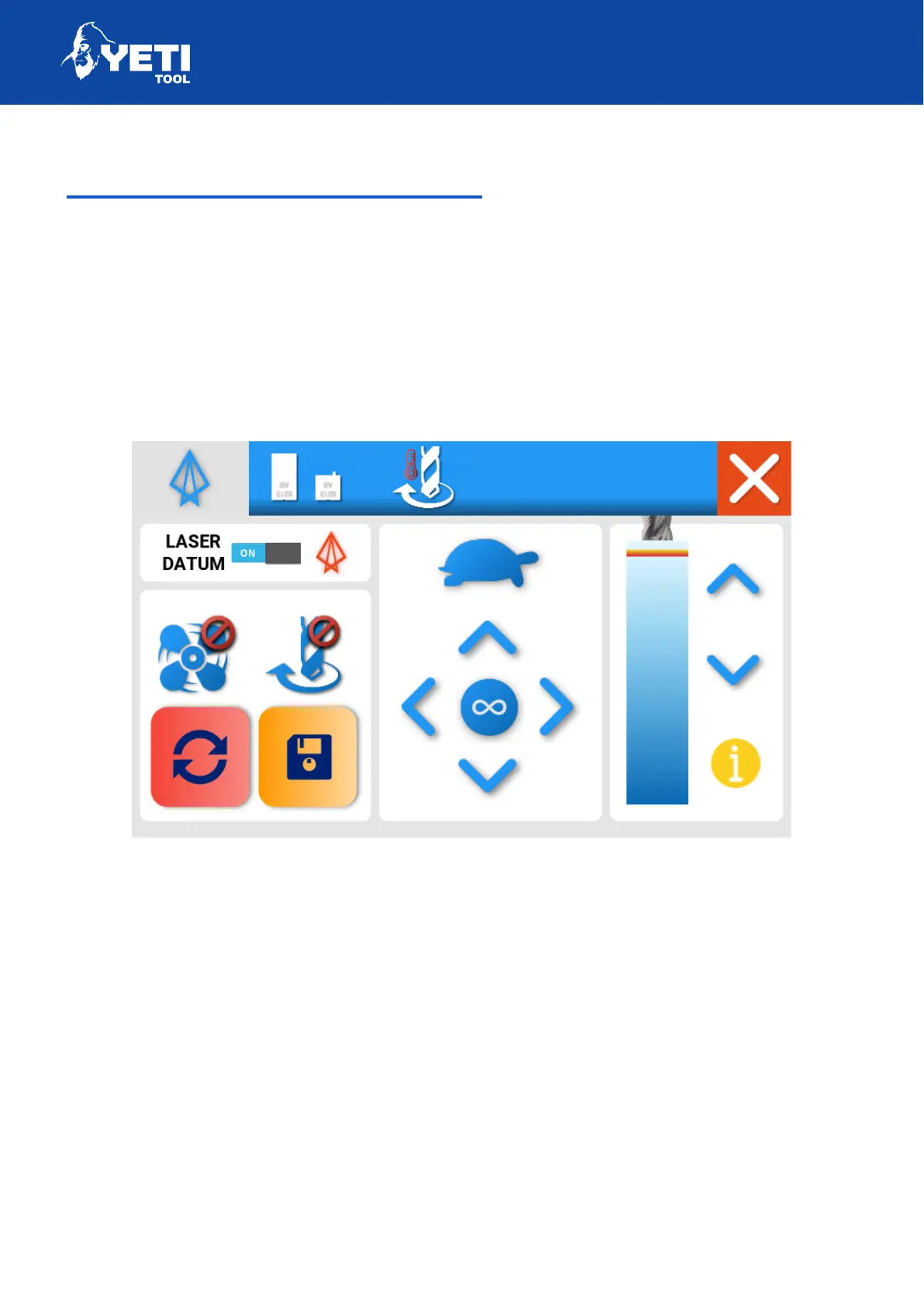
If you have the laser datum fitted, then you can use the laser datum tab in the
maintenance app to adjust and turn on your laser datum crosshair offset.
The offset will allow SmartBench to accurately calculate the distance in X and Y
between the centre of your tool and the crosshair.
To set if laser hardware is fitted:
1. Enable laser datum (Switch to on)
2. On a test piece of material, cut a mark using manual moves. We would
recommend using a v-groove bit for higher accuracy
3. Lift head and press the reset button in the bottom left
Unit 12 Old Mill Road | Portishead | Bristol | BS20 7BX | UK
34



 To Next Page