Need help?
Do you have a question about the YEYIAN ODRAZ and is the answer not in the manual?
Guide to registering your product for exclusive benefits and updates.
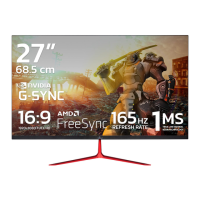
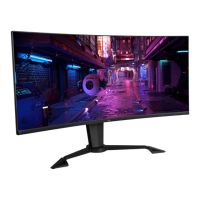
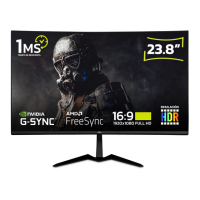
Overview of the GAMING MONITOR ODRAZ features and user experience.
Details of included items and instructions for saving packaging material.
Identification and function of the On-Screen Display control buttons.
Explanation of shortcut key functions for quick access to features.
How to select and switch between different video input sources.
Adjusting display brightness, contrast, and Dynamic Contrast Ratio (DCR).
Customizing Gamma, Picture Mode, Color Temperature, Hue, and Saturation.
Configuring Sharpness, Response Time, Noise Reduction, and Super Resolution.
Adjusting display aspect ratio settings for optimal viewing.
Managing audio settings such as mute, volume, and audio source selection.
Configuring OSD language, position, transparency, timer, and rotation.
Accessing settings like FreeSync, HDR, Firmware Update, and Reset options.
 General
| Refresh Rate | 165Hz |
|---|---|
| Viewing Angle | 178° (H) / 178° (V) |
| Adaptive Sync | AMD FreeSync Premium |
| VESA Mount | 100 x 100 mm |
| Response Time | 1ms |
| Color Gamut | sRGB |
| Ports | 2 x HDMI 2.0, 1 x Audio Out |

 To Next Page