STEP 2: Download YOO®+
App
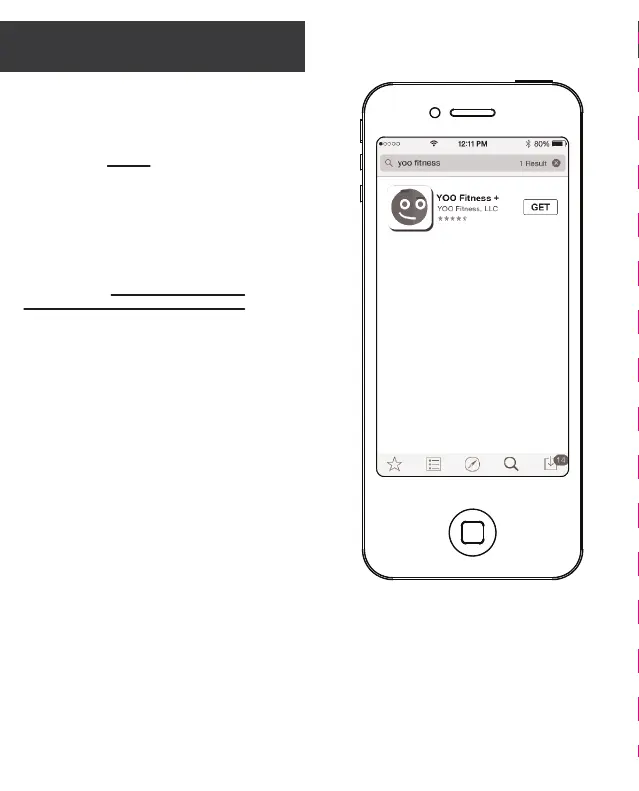
1. You’ll need to download the
YOO+ App next.
2. Go to the App Store or Google
Play and download it for free.
Search for YOO+ , download the
app and install it.
3. Follow the on-screen
instructions to set up your YOO+
Account. If using iOS, you must pair
your YOORX to your smart phone.
4. When seing up an account
and profile be sure to select
YOORX as your YOO device.
Important: YOORX is compatible
with mobile devices that contain
Bluetooth 4.0 technology. To view a
list of compatible smart phones, go
to:
www.YooChallenge.com/compatibility


 To Next Page