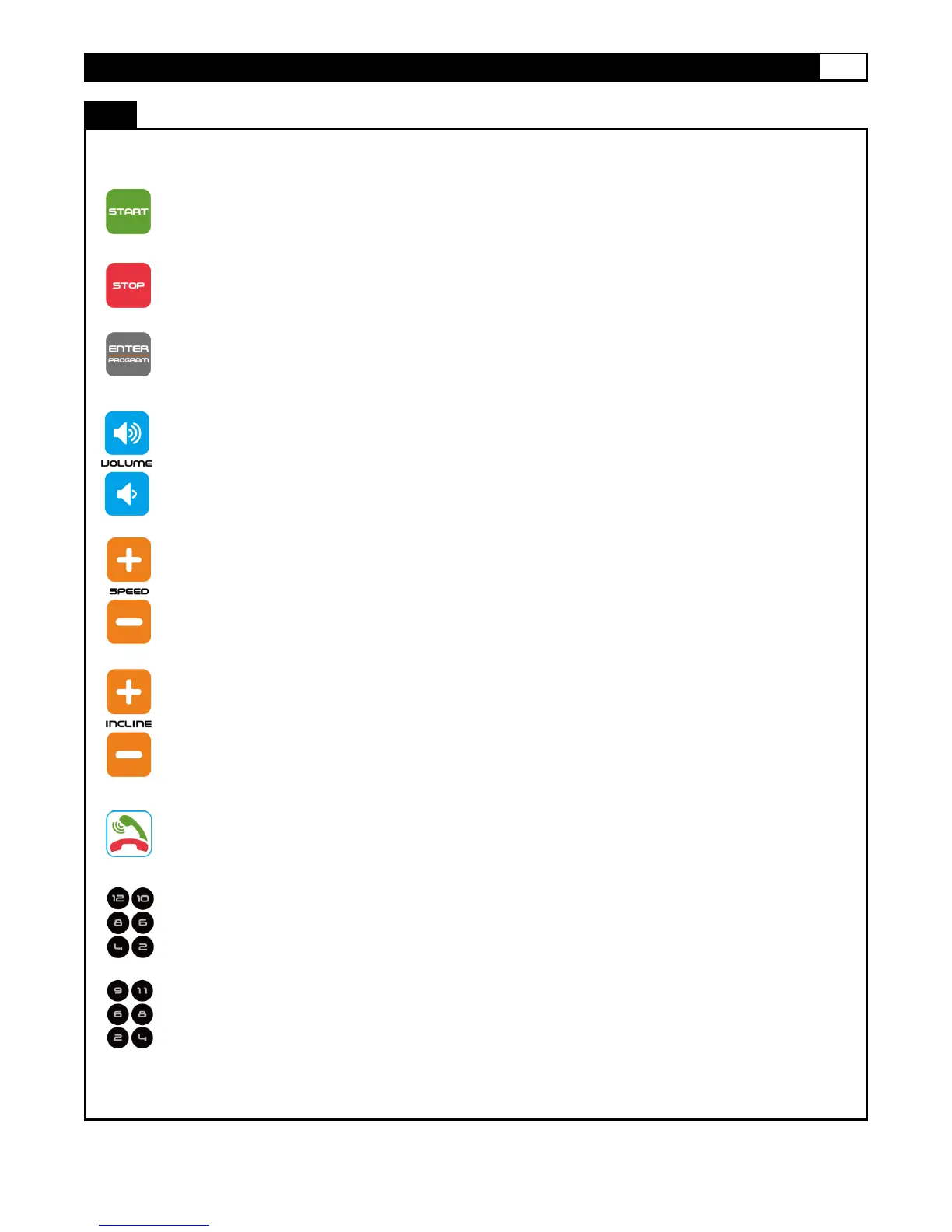
START
Press to start exercise at an initial speed of 0.6 MPH
STOP
Press to stop exercise during workout time.
ENTER/PROGRAMS
Press to confirm program and preset function values during setting mode.
Press to run setting procedure before pressing the START button.
VOLUME UP/VOLUME DOWN
Press the up/down button to turn up or turn down
SPEED -UP/ SPEED -DOWN
1. Press to increase/decrease exercise speed by 0.1 MPH.
2. Hold the button to continuously increase/decrease speed by 1.0MPH per second.
Release the button to stop the function.
3. Press to select programs and preset related function value.
INCLIN-UP/INCLINE DOWN
Press up or down to change incline level during workout
ACCEPT/DECLINE BUTTONS
Tap Accept to answer an incoming call when computer is on “fitSound “mode. Or Tap
Decline a call when computer is on “fitSound “mode
Press the Direct Speed or Direct Incline buttons to change the speed or incline to your
desired value directly.



 To Next Page