5
5
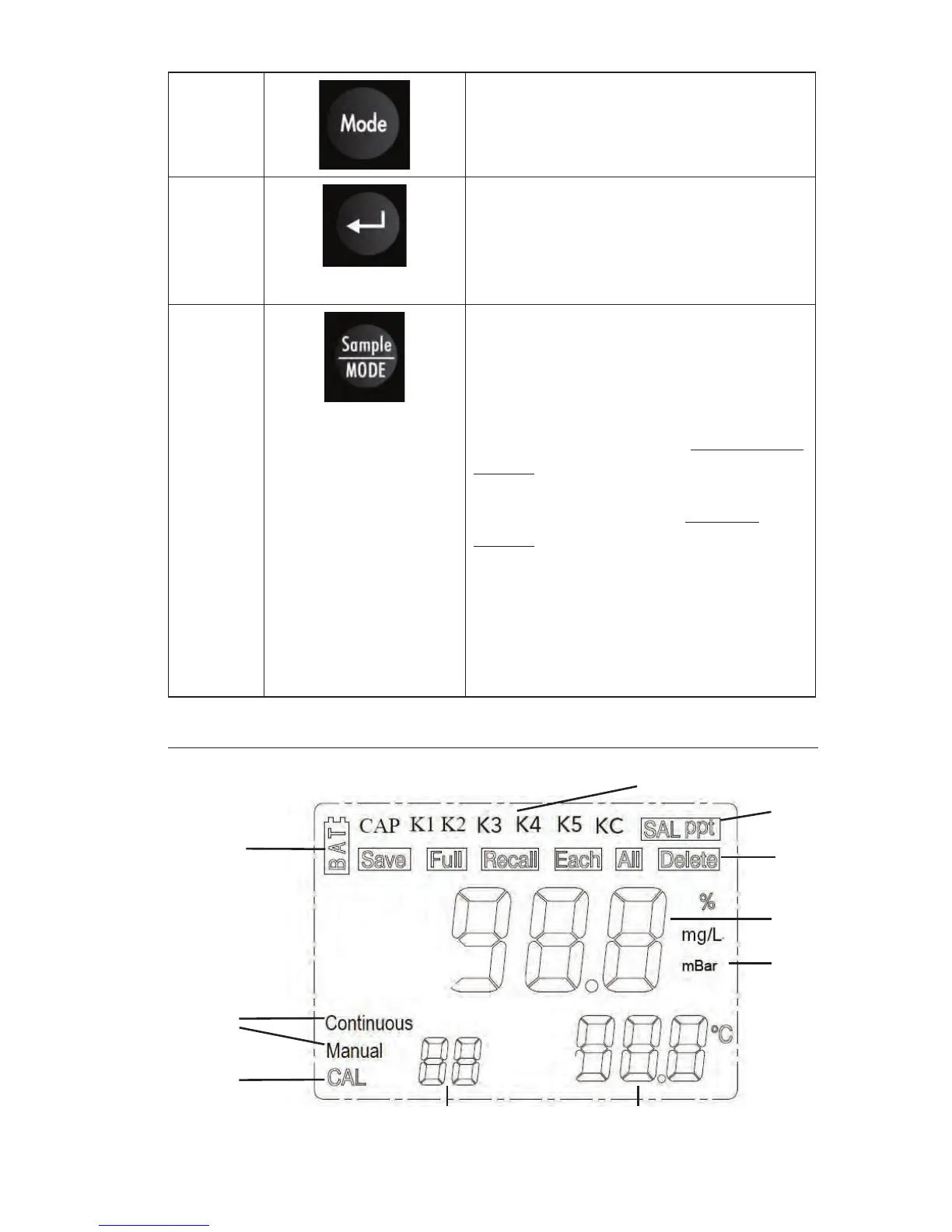
Mode key. Adjusts between
measurement modes (%, mg/L),
recalling saved data (rCL) and
deleting saved data (dEL).
7
Enter key. Used to confirm
calibration, to save data
from run screen, to select
data mode (rCL/dEL), and
confirm coefficient entries.
8
Sample/Mode key. Press and
hold for 3 seconds to switch
between continuous and manual
measurement modes. Press and
release to restart the measurement
when in manual mode. Continuous
mode: the instrument will
continuously update the dissolved
oxygen measurement. Manual
mode: the instrument will update
the DO reading until reaching a
stable measurement. The stable
measurement will be ‘locked’ on
the display until the user initiates
a new measurement reading by
pressing the Sample/Mode key.
MAIN DISPLAY
1
2
3
4 5
6
7
8
9
10



 To Next Page