10
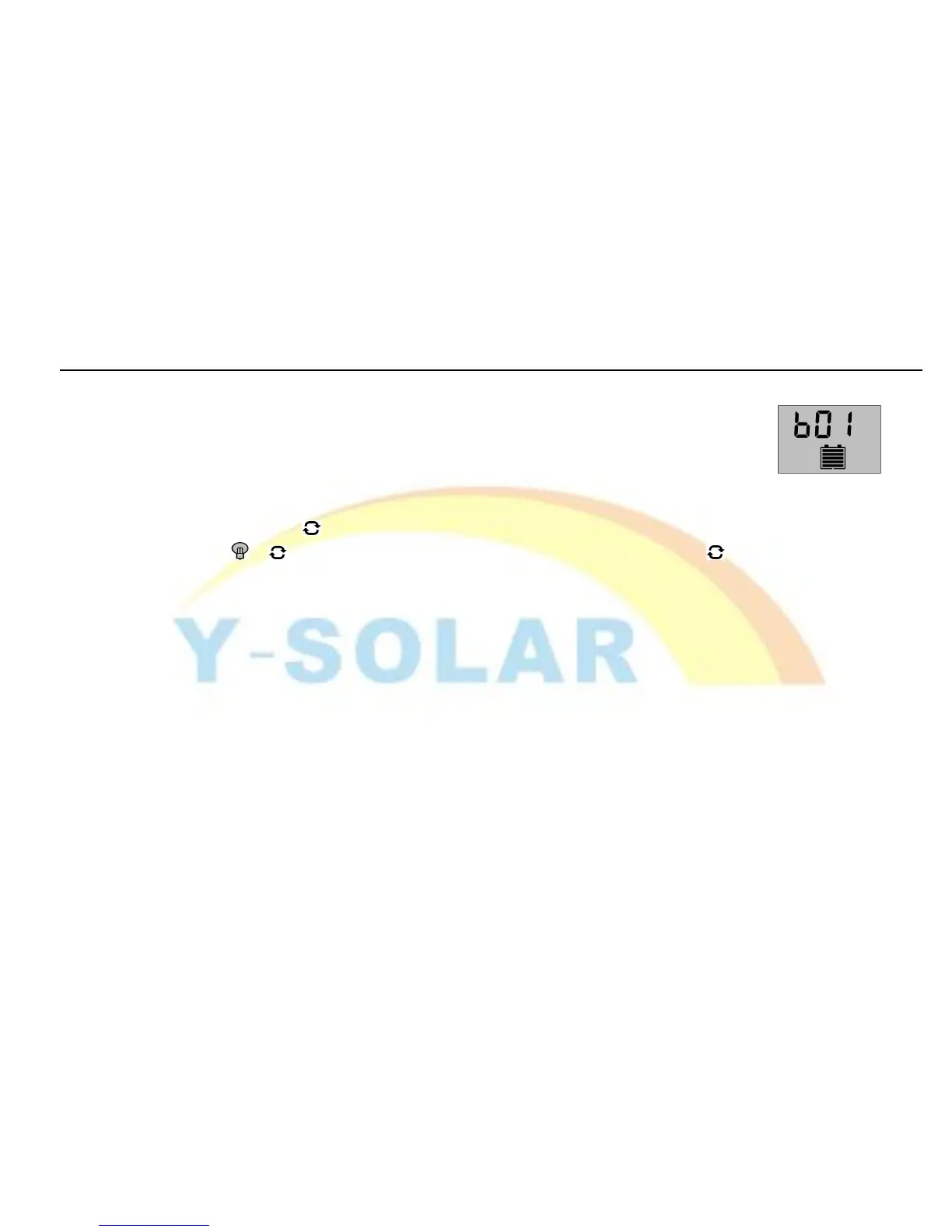
As pictured at right, different numbers represent different types of Battery.
b00
:
Lithium battery (other controls parameters need to be adjusted to match the
battery)
b01:Sealed battery (default type for the controller)
b02: Vented battery
B03
:
Gel battery
long press the button (>5seconds,numbers start flashing)at this interface to activate the battery
type and use the 、 button to adjust the parameter; long press the button again (The numbers stop
flashing) to call off parameter interface after finish setting. Setting value will be conserved by controller.


 To Next Page