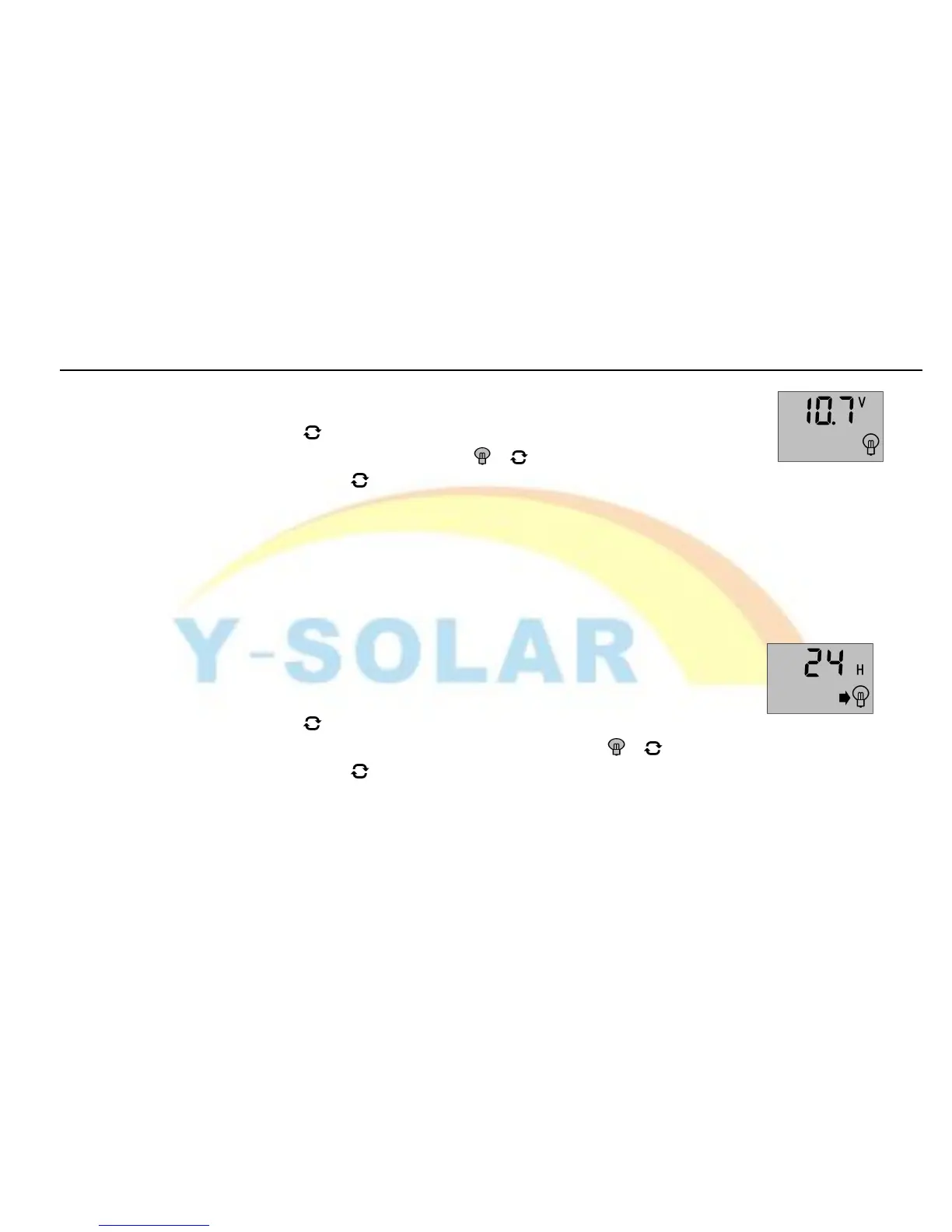
controller will cut off load circuit when batter voltage is lower than this value,
in order to avoid over discharge of the battery.
long press the button
(>
5seconds
,
numbers start flashing
)
to enter the setting
interface of under-voltage protection and use the 、 button to adjust the
parameter; long press the button again (The numbers stop flashing) to call off
the parameter interface after finish setting. Setting value will be conserved by controller.
3.6 Viewing and setting of load working mode
As shown in the figure at right, the interface of load mode is displayed, and different numbers represent
different load modes.
24h represents Normal Mode; the load is always in power under the fault-free circumstance.
1h~23h represents Light Control with Time Control Mode; at this mode, the
controller will start the load after darkness and will close the load after setting hours.
0h—represents Light Control Mode; Load will be on power after darkness,
turn off the load after drawn.
long press the button (>5seconds,numbers start flashing)at this interface
to activate the setting interface of load working modes and use the 、 button to adjust the
parameter; long press the button again (The numbers stop flashing) to call off
parameter interface after finish setting. Setting value will be conserved by controller.
3.12 Viewing and setting of battery types


 To Next Page