=O,O9KZ[V/TYZX[IZOUTY
=/,/YKZZOTMY
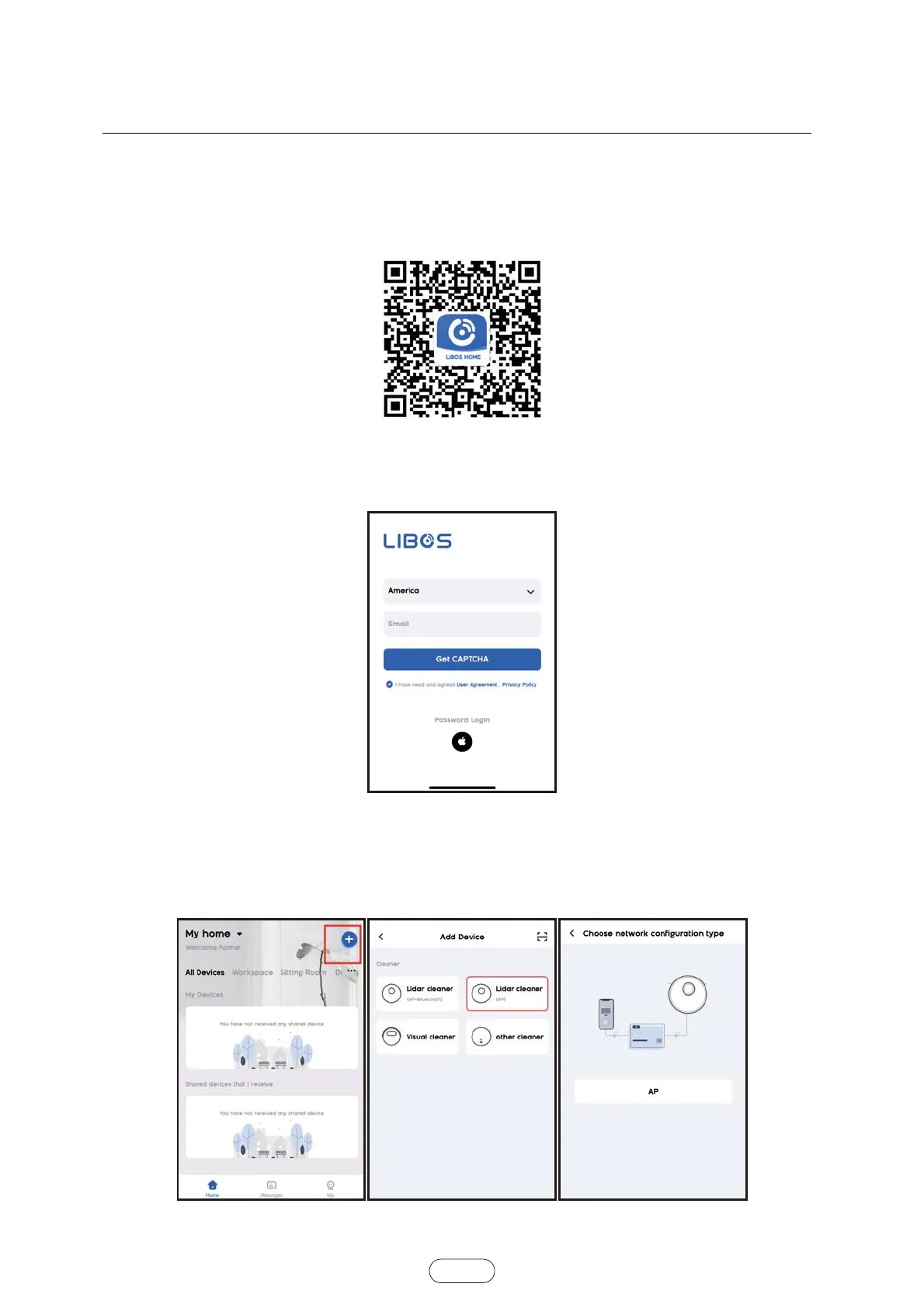
Scan QR code of Figure 1 ,then download and install "LIBOS HOME" APP or Search for LIBOS HOME on the App
Store or Android App platforms. Then, download and install it.
Figure1
Open the "LIBOS HOME" App and log in. There are two ways to log in: by verification code or by password.
Figure2
After logging in, click the "+" sign in the upper right corner to add the device. On the device selection page, choose
the “Lidar cleaner(AP)",and follow the page prompts to connect.
(If the robot with Bluetooth function can choose "Lidar cleaner(AP + Bluetooth)" ,then select Bluetooth according to
the page prompts for fast match connection.)
Figure3 Figure4 Figure5
:NKLOTGROTZKXLGIKOYY[HPKIZZUZNKGIZ[GRVXUJ[IZZNGTQ_U[


 To Next Page