3
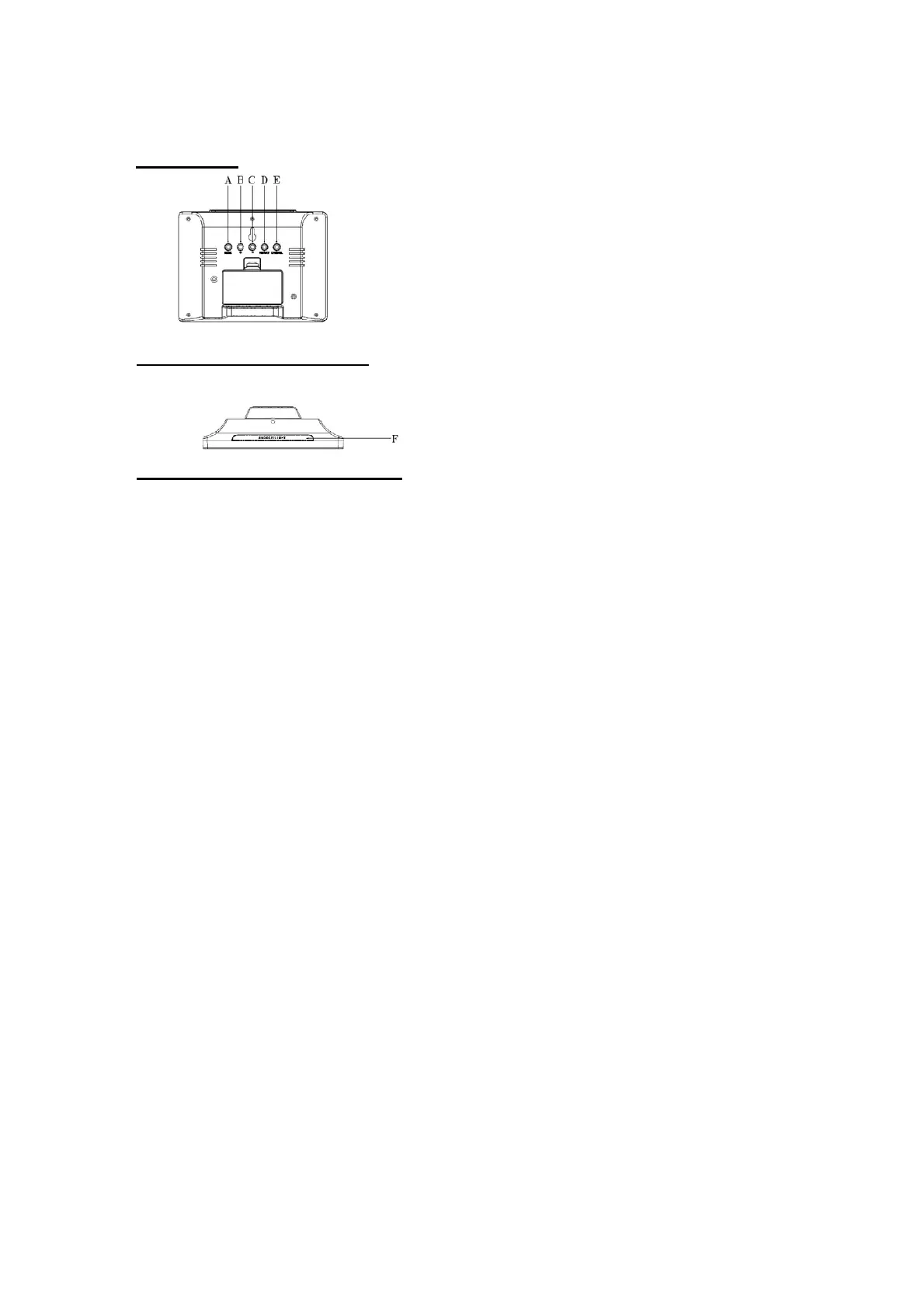
BUTTONS
ANZEIGEELEMENTE
A "MODE" button
• Manual time settings (press and hold the button for 3 seconds)
• To select the wake-up alarms (A1 or A2). Press and hold for 3 seconds to enter the setting
• Interrupt the alarm
B "+" button
• In the settings: increase value
• Press short: display the min/max memory for temperature/humidity
• Press and hold for 3 seconds: reset the min/max records
• Interrupt the alarm
C "-" button
• In the settings: decrease value
• Press short in the wake-up alarm display: Alarm on/off
• Press short in the time display: select °C or °F
• Press and hold for 3 seconds: enter the temperature alarm setting
• Interrupt the alarm
D "HISTORY" button
• Barometer-Settings (press and hold button for 3 seconds): local altitude, weather icon,
pressure unit (hPa or inHg)
• Interrupt the alarm
E "CHANNEL" button
• Press and hold for 3 seconds: Start sensor search
• Press short: Select the sensor to be displayed
• Interrupt the alarm
F “SNOOZE / LIGHT" button
• Activates backlight for about 5 seconds
• Activates snooze cycle (5 minutes) when the alarm sounds



 To Next Page