Change Language Setting
1. To change languages, in standby mode press the “Menu” button twice to enter the
“System Settings” menu.
2. Use the "Up" and "Down" buttons to navigate to “Language Setting” sub-menu and
press "OK".
3. Select a language by highlighting it using the “Up” and “Down” buttons, and pressing
“OK” button to confirm.
4. Exit the menu by pressing the “Menu” button.
Change Date / Time Settings
1. To change the date or time, in standby mode press the “Menu” button twice to enter
the “System Settings” menu.
2. Using the “Up” and “Down” buttons navigate to the “Time Setup” sub-menu, and press
the “OK” button.
3. Use the “Up” and “Down” buttons to change the data entry.
4. To save an entry press the “OK” button (YYYY-MM-DD, HH:MM).
5. To change a wrong entry, scroll through the entry fields by pressing the “OK” button
until the incorrect entry field is highlighted. Change and save as above.
6. Save and exit the menu by pressing the “Menu” button.
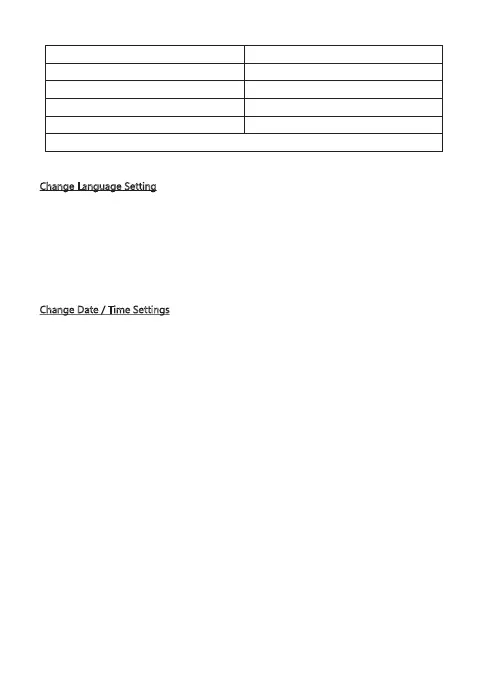
Storage Capacity Video Recording Time (1080P)
64GB 440 min
32GB 220 min
16GB 110 min
8GB 55 min
For reference only
- 12 -



 To Next Page