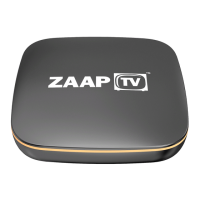
Here are some quick tips for troubleshooting your home’s wireless
interference continued
• Purchase a better Modem / Router which has Superior Performance and
Wireless Coverage than your ISP provided Modem.
• Replace your modem, if it is more than 3 or 4 years old
• Use an external USB Wi-Fi Antenna and connect to the USB on your
ZAAPTV device
• Use an AV Sender with IR Receiver. Connect an AV Sender (transmitter
unit) to your ZAAPTV device and install in the same room as your modem.
Connect the AV Sender (receiver unit) to the TV where you wish to watch
your favourite channels.
Our preferred solution to Wi-Fi connections:
if you are unable to move the modem closer to the TV
Use an Ethernet Cable to connect your ZAAPTV device to your modem
directly. You can do this yourself by running a ready-made Cat6/7 Ethernet
Cable from your modem to the ZAAPTV device or you will need to engage a
qualified Electrician to run an Ethernet Cable and have it installed
professionally with Wall Plates.


 To Next Page
 Loading...