INTRODUCTION
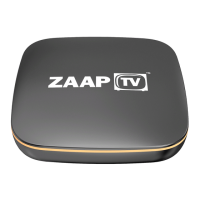
We congratulate you on receiving this ZAAPTV series high-definition All-Digital set-top box, one of the most compact
and advanced interactive digital IPTV set-top boxes available today. ZAAPTV™ has combined the extraordinary features
of IPTV with interactive menus, ease of use and almost endless options. This set top box comes with entertainment
package which allows you to install applications for example YouTube, browse the internet or download any App from
the Google Play store. Download the KODI application to enable you to watch whatever type of program from your
library or through additional addons.
OPERATION
Turning power on and off
Plug in the supplied power adapter to the electrical outlet and to the back of the ZAAPTV HD809 device. Use the
remote control to turn the device on (blue light). Pressing the power button again will put the ZAAPTV HD809 device
into standby or off mode (standby – red light).
SETTING UP YOUR ZAAPTV HD809 DEVICE
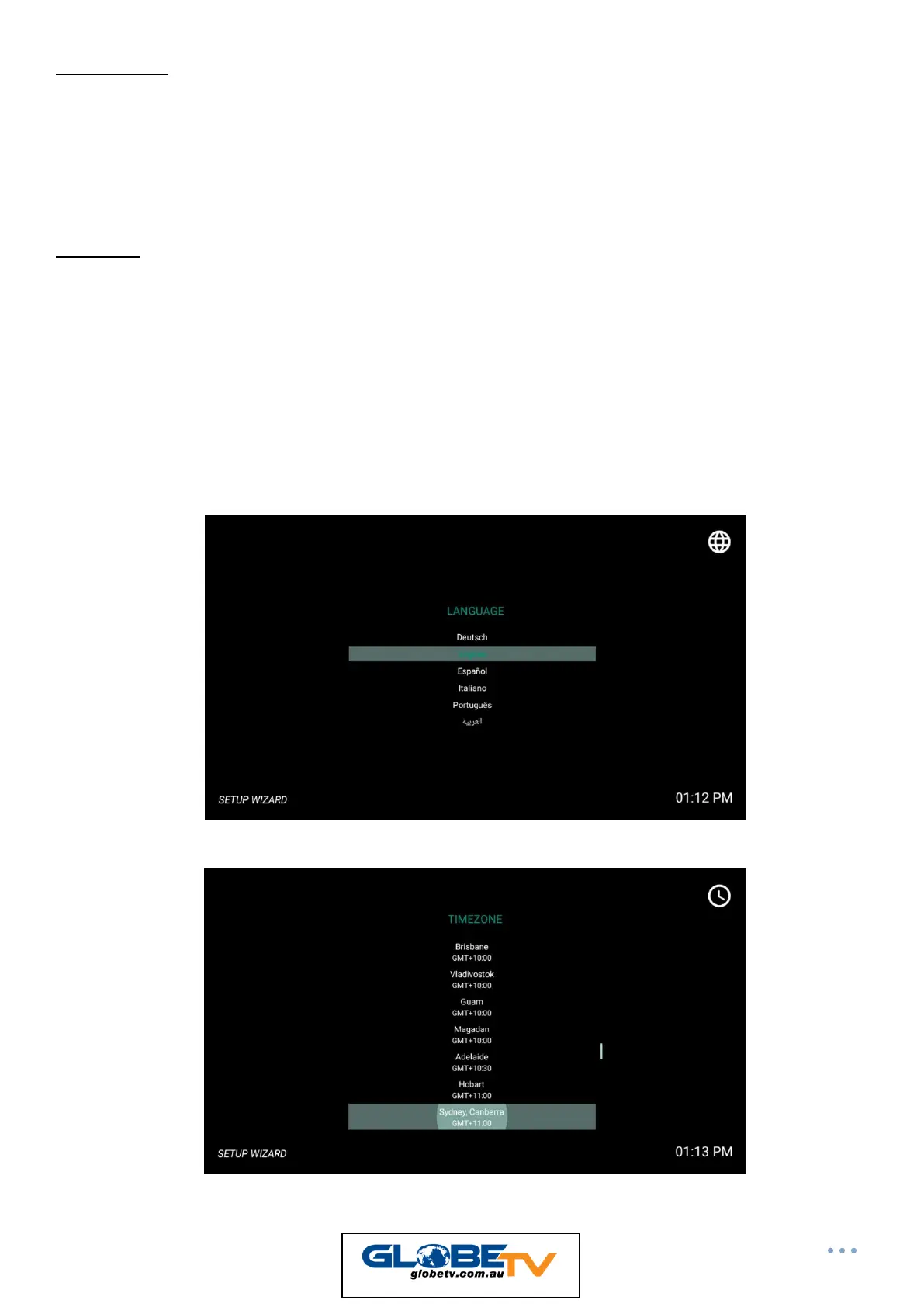
When you turn on your box for the first time you will prompted with the Setup Wizard. Follow the instructions on
screen.
1) Language – Set to English
2) Timezone – Select your City, typically Sydney, Canberra GMT +10


 To Next Page
 Loading...