Getting Started
1
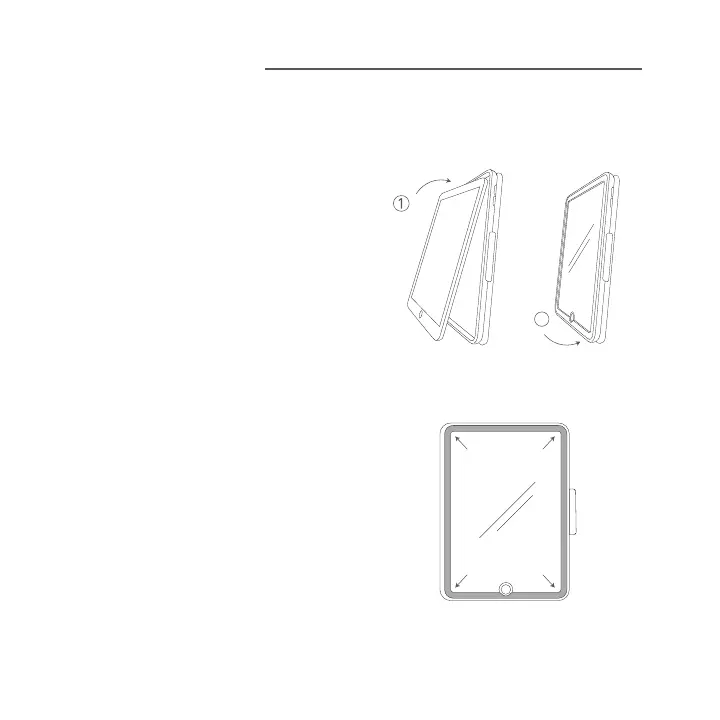
Inserting Your Device:
First, insert
your device at an angle so that the
power button, volume control, camera
hole, and the opening for your charging
cable fit into their respective cutouts on
the Rugged Messenger Case. Next, set
the rest of your iPad into the case and
press it in. Press all around your iPad to
make sure the tablet is secure.
2
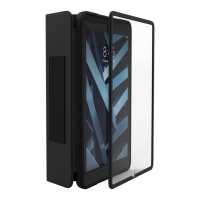
Attaching the Snap-On PET Screen:
Place the PET screen on the device as it
sits inside the Rugged Messenger Case.
Align the screen with the sides of the case
and then snap it into place on the case.
2


 To Next Page