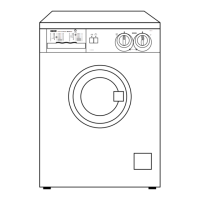
Control panel
1
56789
3 42
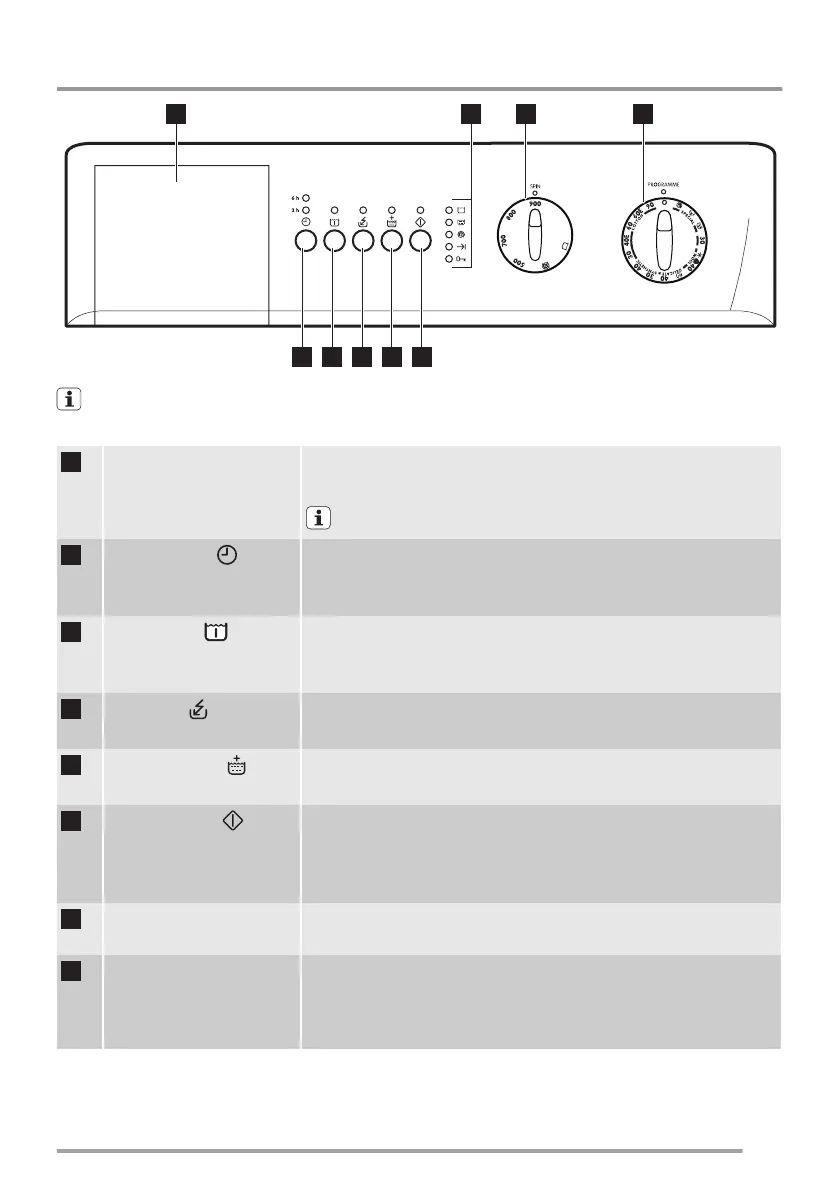
Henceforth, the programme selector dial, the spin selector dial, programme progress lights and different buttons
will be indicated in all the book with the relevant numbers given in this table.
1
Detergent drawer • Detergent drawer has 2 separate compartments for detergent and fabric
conditioner.
Prewash detergent is to be added straight into the drum.
2
Delay start button
• By means of this button, you can delay the start of a washing programme
by 6 or 3 hours.
• The relevant light will light up.
3
Prewash button
• By means of this button, the machine performs a prewash cycle before the
main wash phase.
• The relevant light will light up.
4
Quick button
• By means of this button, you can select only one of the options.
• The relevant light will light up.
5
Super Rinse button
• By means of this button, the machine performs some additional rinses.
• The relevant light will light up.
6
Start/Pause button
• This button allows to start the selected programme; the corresponding in-
dicator light is lit.
• This button interrupts also a programme which is running, the corre-
sponding indicator light starts to flash.
7
Programme progress display • The different pilot lights illuminate depending on the running programme
phase.
8
Spin speed selector • The spin speed selector dial allows for changing the spin speed. Turn the
spin selector, if you want your laundry to be spun at a speed different from
the one proposed by the appliance or select «Rinse Hold» or "No spin"
option.
5



 To Next Page