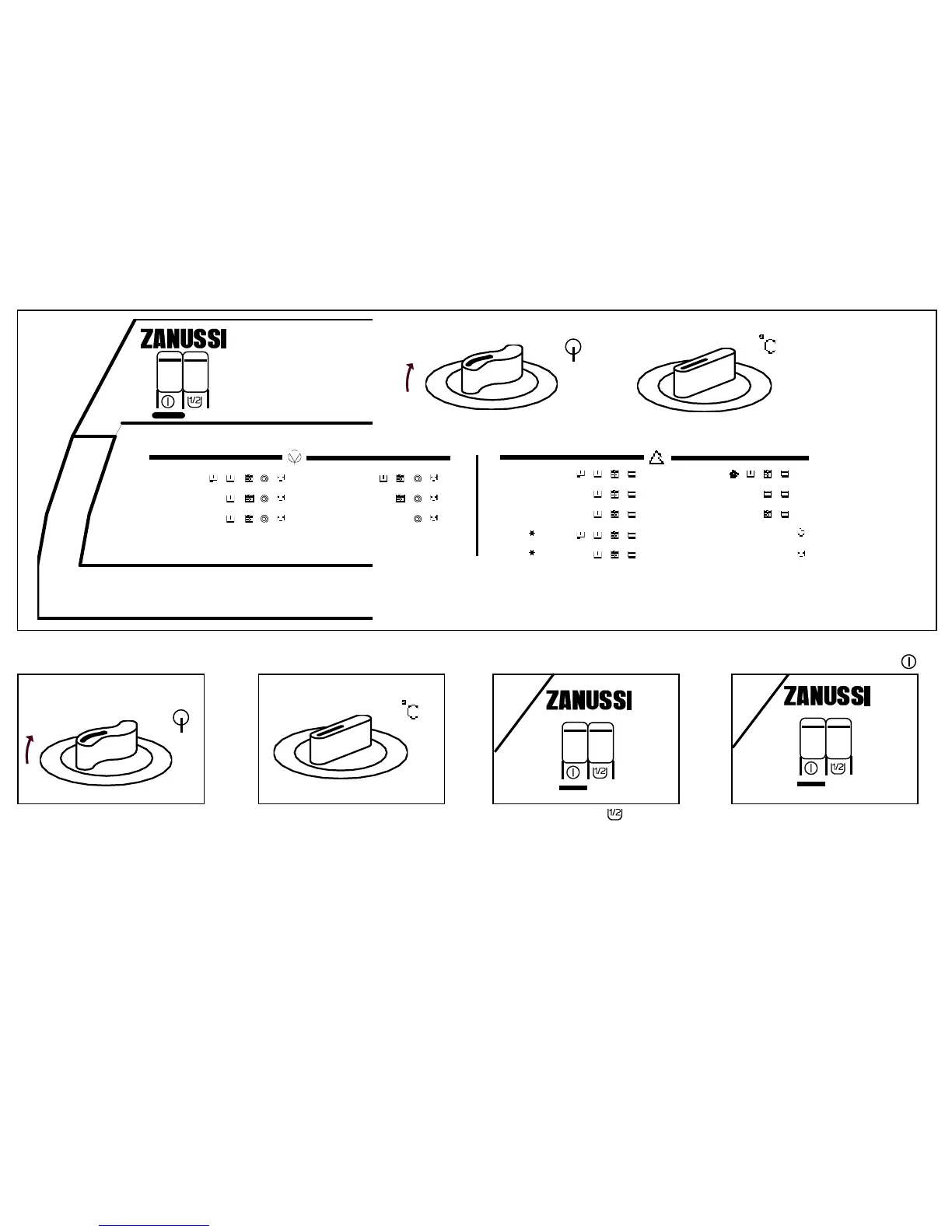
Control panel
TL 552 C
A 60° ÷ 90° D 30° ÷ 40°
B 60° ÷ 90° F
C 40° ÷ 60° G
H 40° ÷ 60° N 30° ÷ 40°
J 40° ÷ 60° P
K 30° ÷ 40° Q
L ÷ 40° R
M ÷ 40° S
2 Select the temperature
3
Press the pushbutton
if necessary
4 Press the pushbutton " "1 Select the programme
• Half load pushbutton " " : if pressed
in at the beginning of a wash pro-
gramme, it allows to wash
economically small quantities of
laundry, up to 2,5 kg of resistant
laundry (cotton-linen) and to 1 kg of
delicate laundry (synthetics).
This pushbutton cannot be used with
the wool programme (N).
• The programme starts. The control
lamp lights on.
• choose the temperature which
corresponds to the chosen pro-
gramme (see the programme table)
according to the nature of the
laundry and to the fastness of the
colours.
• choose the programme according
to the nature and the degree of soil
of the laundry.
• turn the timer knob clockwise to
select the chosen programme.


 To Next Page