ZMCBR-H65
13
4.6.2 Wi-Fi
Enter Menu->Expansion->WIFI
1. Select the network name of your Wi-Fi access point from the list.
2. Press the OK button, then input the right password.
If the Network is connected, it should get the correct IP address and display the
“Connected”.
4.6.3 IP Setting
Menu->Expansion>IP Setting
If the Network is connected fine, it will display “Connected”. In this menu, you can
set IP address manually, also you can get IP address automatically.
F3: Get IP address automatically.
F4: Test the network if connect correctly.
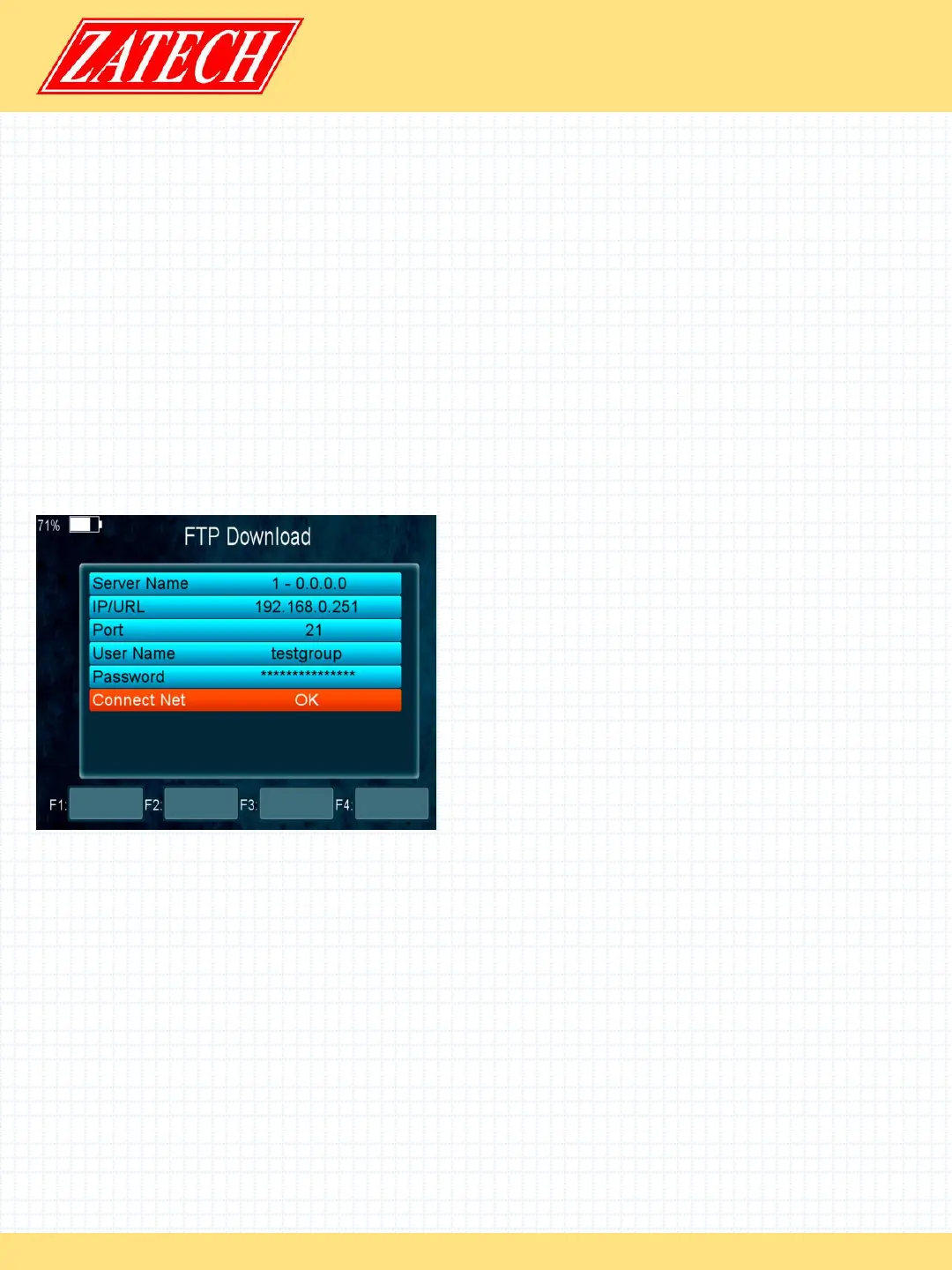
4.6.4 FTP Download
Menu->Expansion>FTP Download
If the Network is connected, you can
download S/W, music, photo and other
media files from the FTP.
4.6.5 PING
Menu->Expansion>PING
You can through Ping Test function to test the connection to the network.
4.7 Basic Operation
4.7.1 PVR
When you watch a program, you can press the F4 key and select PVR item to begin
PVR.


 To Next Page
 Loading...