17
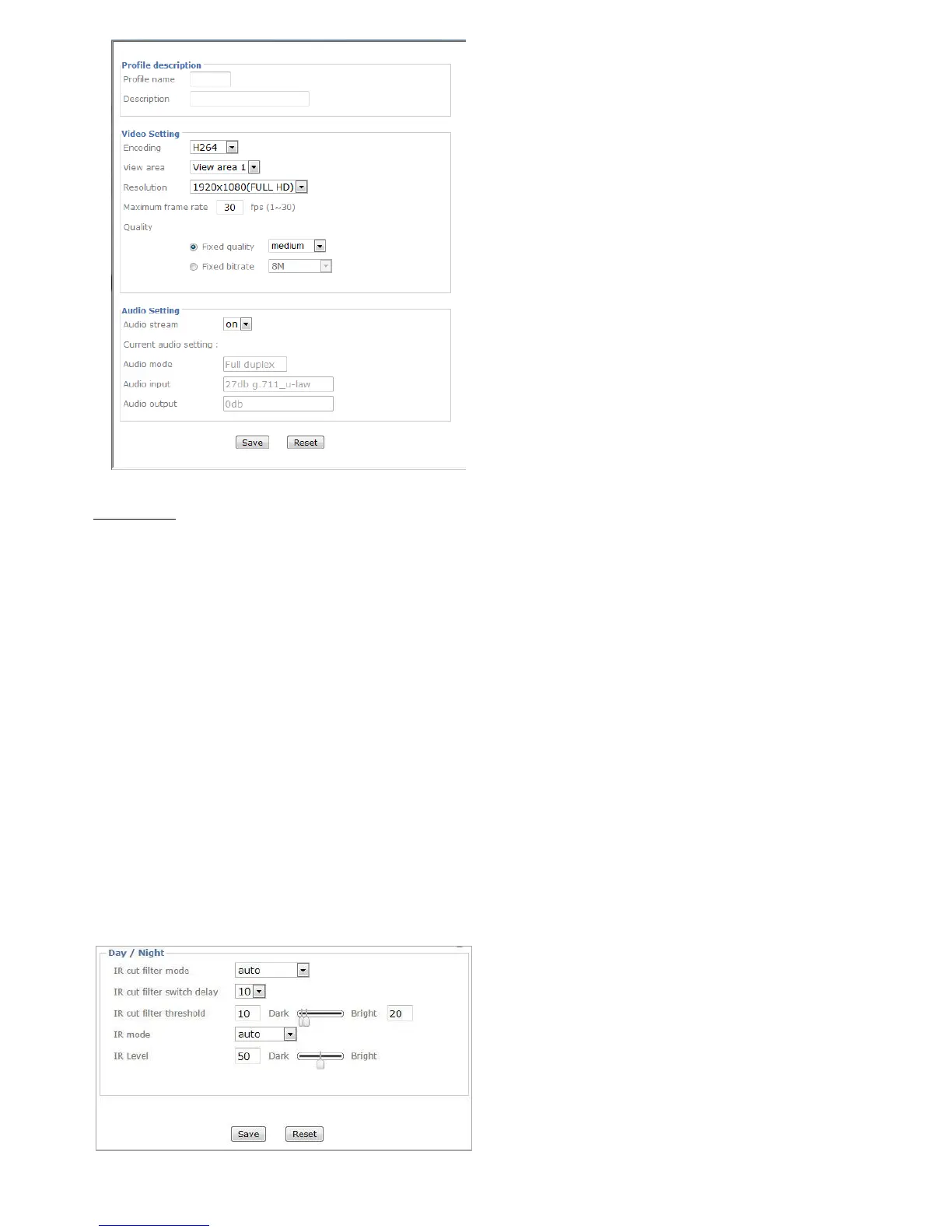
Day / Night
IR cut filter mode: There are 4 modes for IR cut filter to switch Auto, Night Mode, Day Mode, Schedule
to make IR cut filter work based on different conditions.
IR cut filter switch delay: This is interval time (by seconds) when the IR cut filter switch has been
implemented till it indeed works.
IR cut filter threshold: Dark-This is the threshold for the IR cut filter image environment being bright
turning to dark.Bright- This is the threshold for the IR cut filter image environment being dark turning to
bright.
IR Mode: Select one among four modes --- auto / active / inactive / schedule. It decides IR working
condition.
IR Level: The strength of IR light can be adjusted upon application environment.



 To Next Page