19
Live View
Video
Please refer to p.15~17
Audio
Please refer to p.17~18
Camera Setting
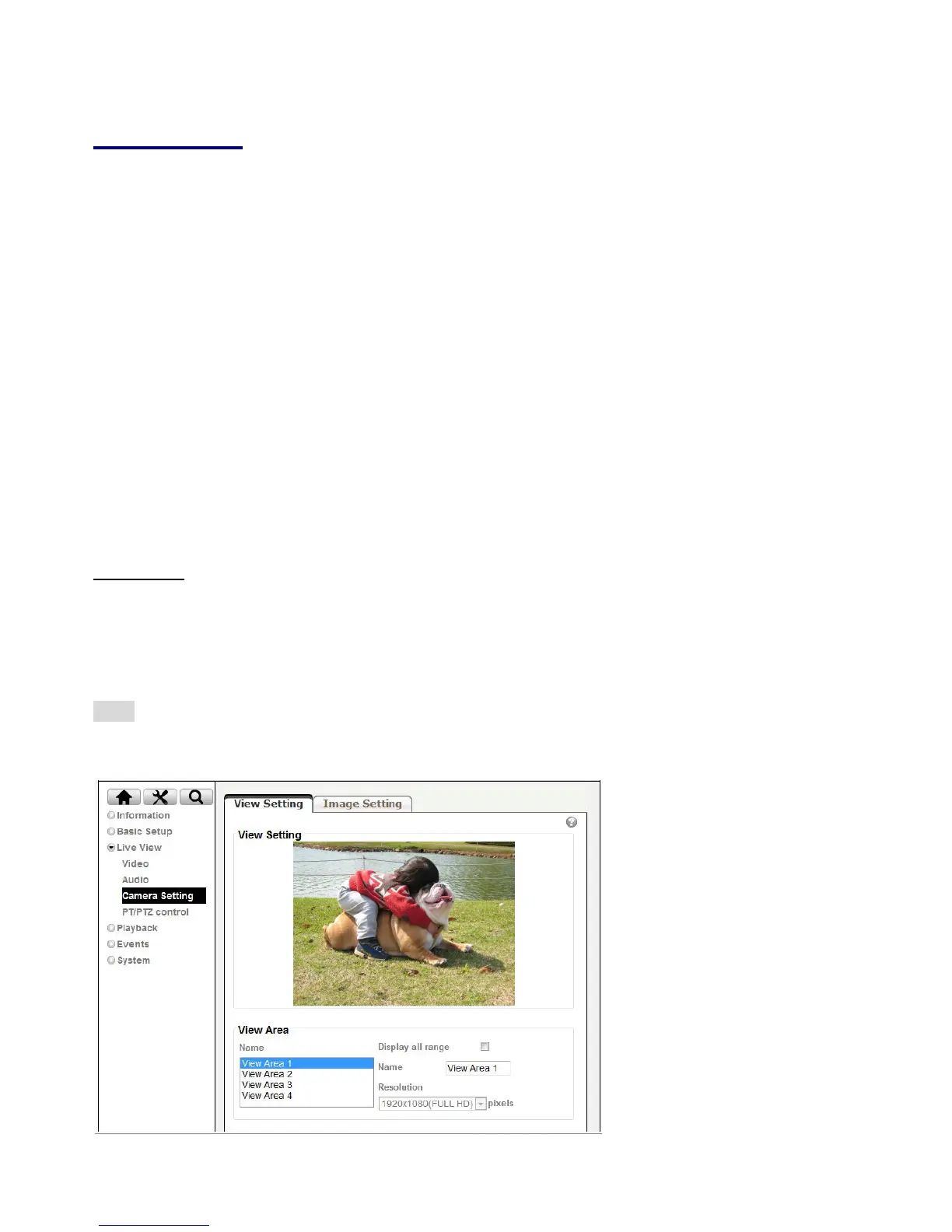
View Setting
A view area is a cropped part of the overview image. Each view area is treated as a video source in Live
View with its own Video Stream, PTZ and Event settings. There are 4 areas can be preset and 6 various
resolutions for each view area.
Note: Except the View Area1 has been fixed to be full resolution, the rest of the three are available to be
set to resolution you wish in the drop-down menu.



 To Next Page