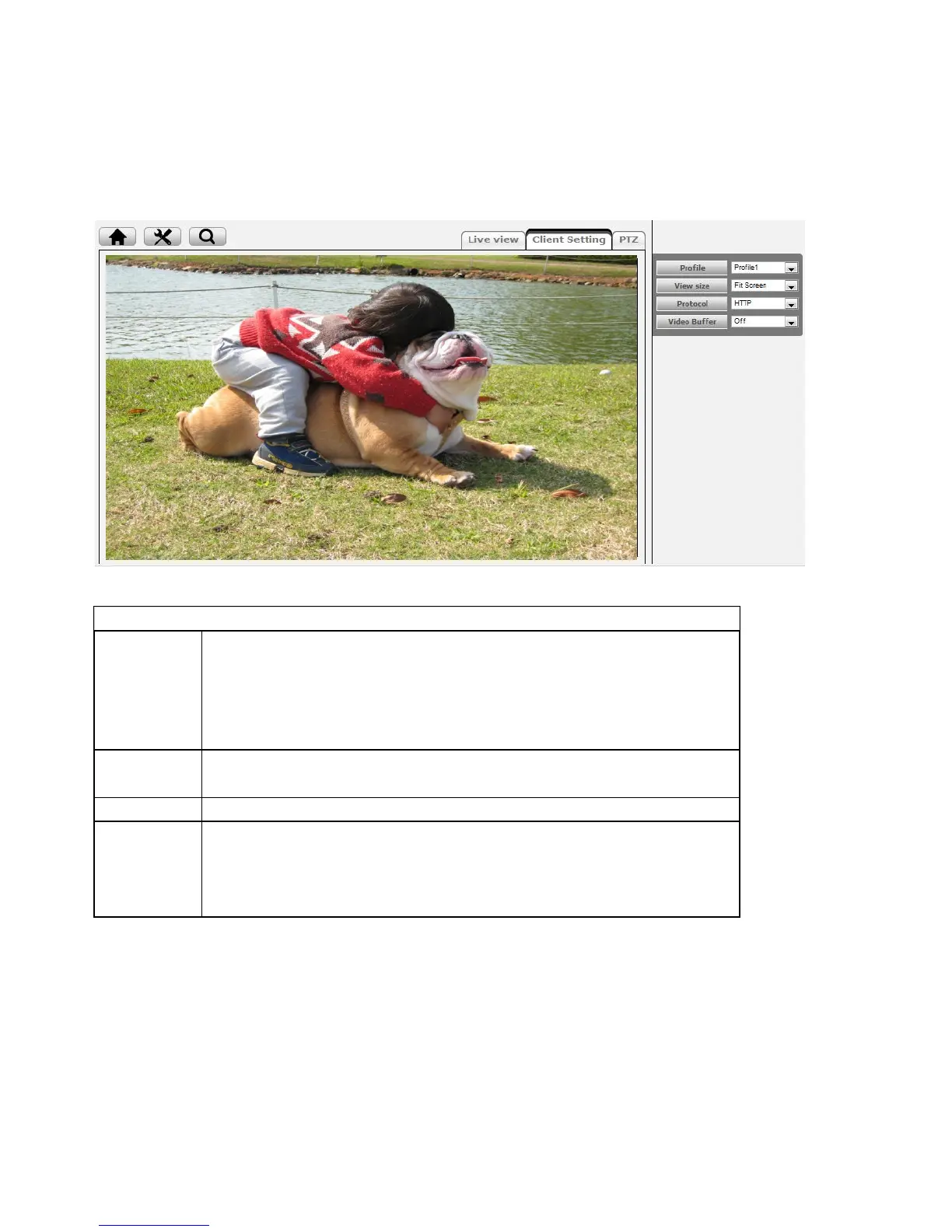
Click the drop-down menu to choose video compression mode of Live
View among H.264, MPEG-4, MJPEG and H.264.
Note: As long as the operating system is not able to afford loading under
H.264 mode, please downgrade the mode to MPEG-4 or MJPEG.
Select the desired view size of image resolution between Fit
Screen and Full Screen.
Protocol Select the transferring protocol among TCP, UDP, and HTTP.
Video Buffer
Turn the Video Buffer function On / Off. The Video Buffer function
makes the streaming more smoothly in unsteady network environment,
but might cause a little delay in live view.



 To Next Page