11
Note: Reboot the IP Camera after the network setting has been made.
Note: If you connect the IP Camera with your computer directly, the default network domain of camera
is 192.168.1.xx
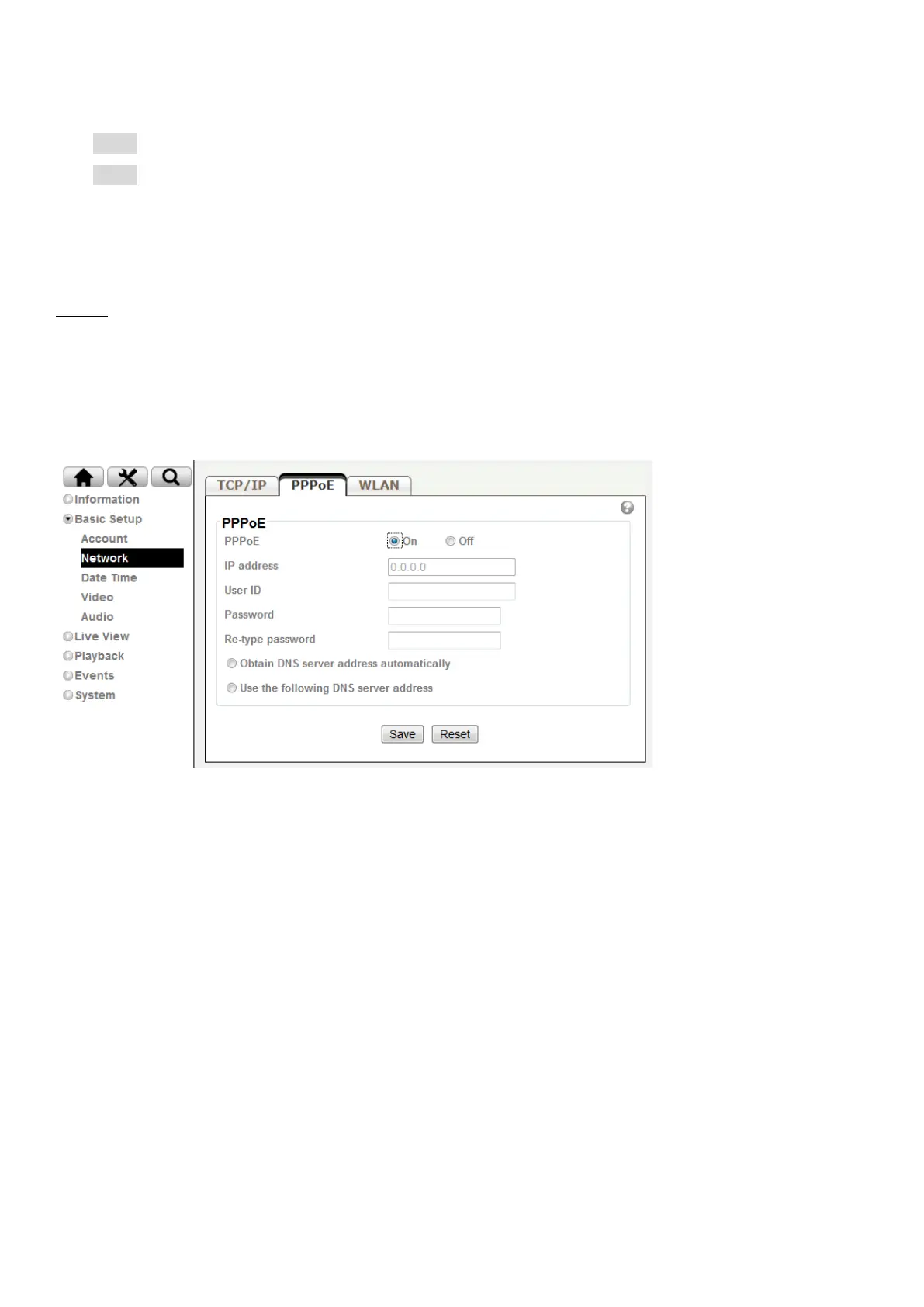
PPPoE
If your ISP provides Dynamic IP with authentication by username and password, type all PPPoE information in
this part. When using the PPPoE function, you need to turn on the DDNS or IP Notification function at the same
time.
IP address: The IP address obtained at the PPPoE connecting with network.
User ID: Enter the user ID for authentication necessary for PPPoE connections. Type it up to 64
characters.
Password: Enter the password for authentication necessary for PPPoE connections. Type it up to 32
characters.
Re-type password: Re-type the password to confirm.
Obtain DNS server address automatically: Select this to obtain the address of DNS server
automatically.



 To Next Page