OPERATING THE PRODUCT
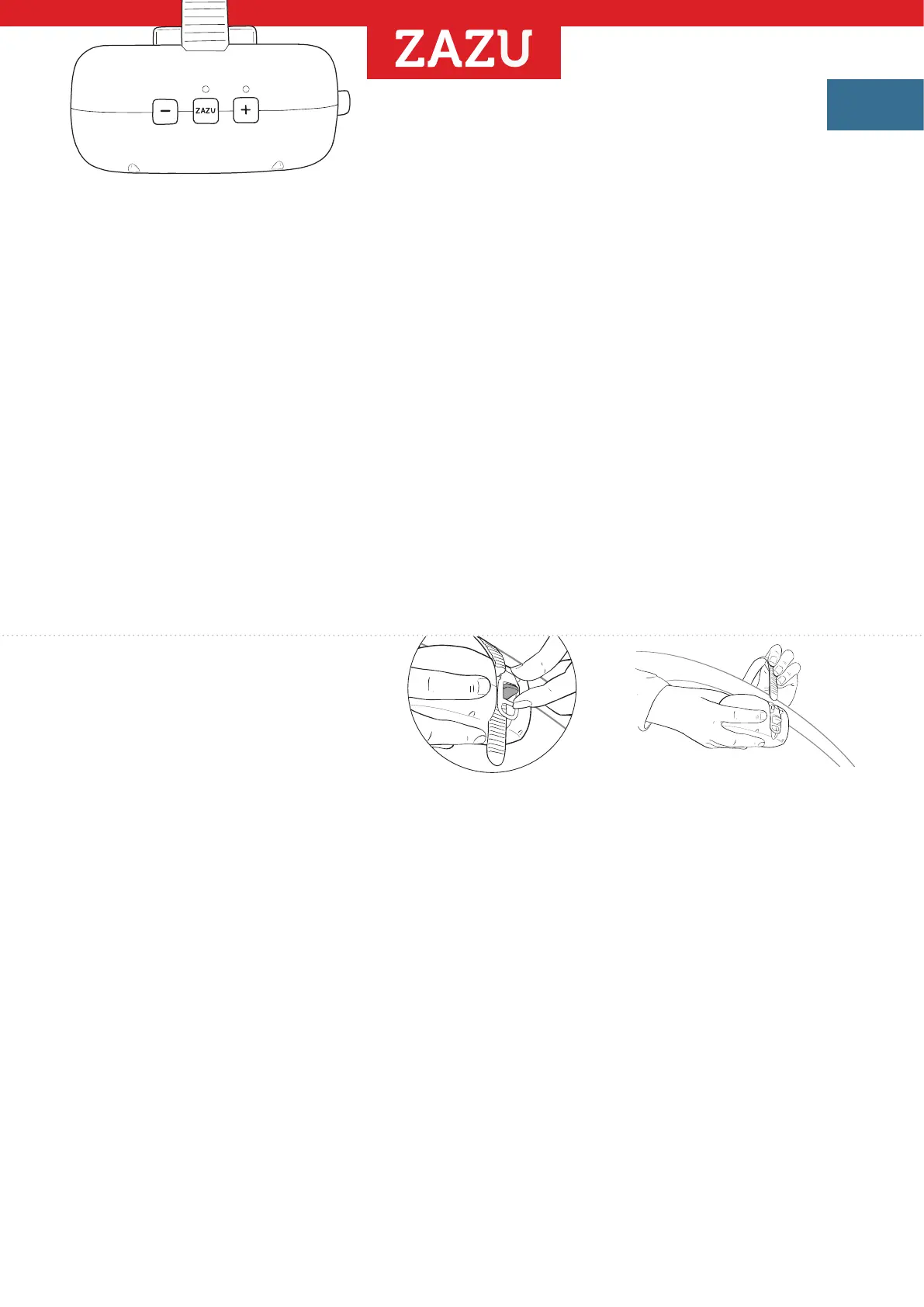
- Press the + button to initiate the rocking motion. The red LED light above the + button will
illuminate, indicating that the rocker is in operation.
- The rocking will automatically stop after 40 minutes.
- Extend the horizontal bar as much as possible. The greater the distance from the wheelbase,
the more effective the rocking will be.
- Adjust the rocking frequency to achieve your desired gentle motion by using the + and
-
buttons.
There are five different frequency settings available.
The rocker will remember the last used frequency for next time use
Note We recommend using the lowest effective rocking speed to maximize battery life.
- To manually turn off the product, press and hold the
-
button until the LED light switches off.
CRY SENSOR
- The rocker also features an automatic activation mode triggered by crying/sound.
- To activate the cry sensor, press the red ZAZU button. The red LED light located above the ZAZU
button will illuminate, indicating that the cry sensor is in an active state.
- The cry sensor will remain active for 3 hours and will initiate rocking in response to sound.
- The rocking will continue for 10 minutes.
Note Please be aware that in noisy surroundings, the rocker may respond to other sounds aside
from crying.
DETACHING THE PRODUCT
1 Hold the product underneath with
one hand to prevent dropping.
2 With the other hand, press the
small black lever until you hear
a click. The strap will release.
3 Now, pull the strap out of the clip
and remove the product.
Note Ensure that the cry sensor is turned OFF to prevent the product from
activating on its own.
V2-MANUAL-ROBBY2023-12
EN


 To Next Page