EN
CAUTION
Never mix two batteries of various manufacturers or new batteries with old
ones. Do not use storage batteries.The batteries must be replaced when:
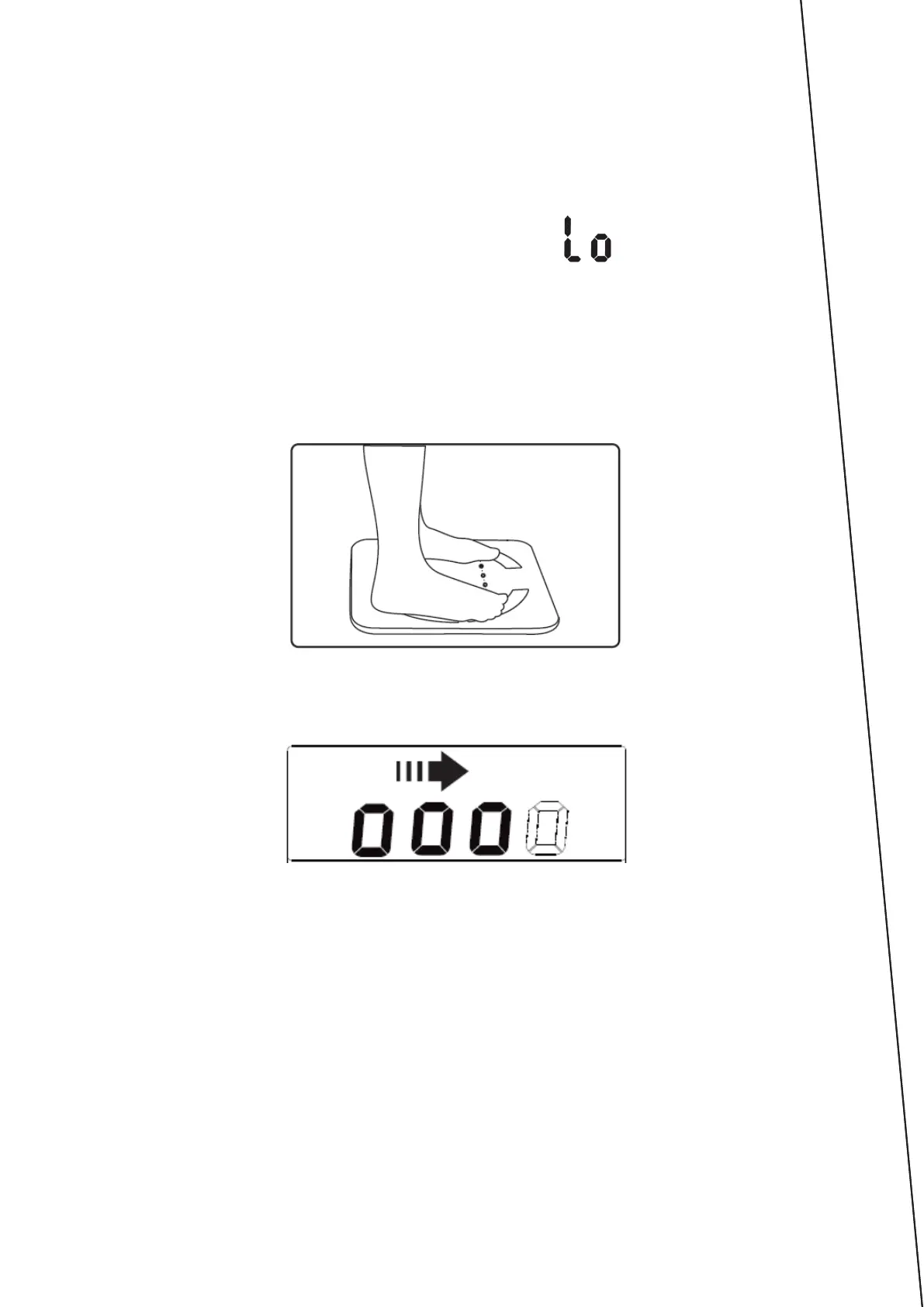
The display shows the low battery message:
The scale does not start operating.
1. The image in the display is unclear.
HOW TO USE
1. Positionthescaleonahardandatsurface.
2. Step on the scale barefoot.
3. Wait until you can see the measurement results.
4. After a while a measurement of other values will occur and the display will
show four „o” symbols.
5. The measurement results will show up in the following order: body weight
(kg), BMI, fat in percents (FAT), total body water (TBW), muscle in percents
(MUS), bone weight (BONE), BMR (KCAL) and again body weight. The
results will be displayed twice.
NOTE
• Thedevicedisplaysthefullrangeofdataonlyaftertherstpairingwith
the mobile application.
• Due to the puberty, the full range of data is available only to persons over
18 years of age.



 To Next Page